
Sources
Overview
The Sources toolbar tab groups connector, source, and source-reference commands.
Function
Use the tab to return home, open connector, source, and reference lists, or start a new connector flow.
The new connector commands support adding a connector manually or importing connector information from a file or cloud location.
Access
Open the Sources tab from the application toolbar.
How to access
Navigation tree
Not opened from the navigation tree. This is a toolbar tab.
Toolbar
Toolbar -> Sources.
Diagram
Not opened directly from the diagram.
Visual element
Sources toolbar tab
Screen overview
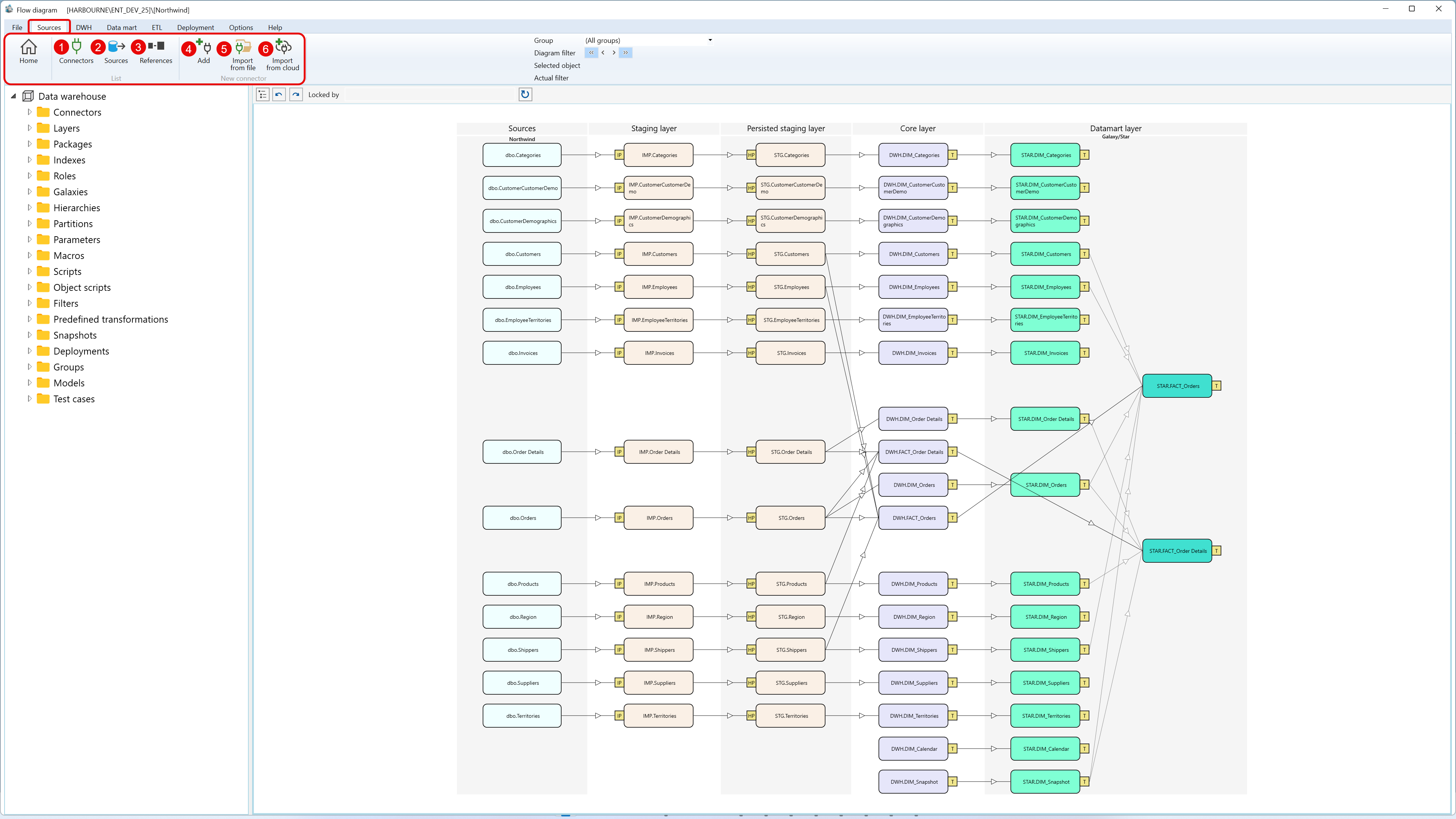
| ID | Property | Description |
|---|---|---|
| 1 | Home | Returns to the start page. |
| 2 | List | Group of connector, source, and reference list commands. |
| 3 | Connectors | Opens the Connectors list. |
| 4 | Sources | Opens the Sources list. |
| 5 | References | Opens the Source references list. |
| 6 | New connector | Group of commands for creating or importing connector definitions. |
| 7 | Add | Starts manual connector creation. |
| 8 | Import from file | Imports connector information from a local file. |
| 9 | Import from cloud | Imports connector information from a cloud location. |
