
Thumbnail diagram
Overview
Thumbnail diagram is a small floating window that shows a scaled overview of the active architecture diagram. Use it to navigate large diagrams without losing the overall layout.
Function
The Thumbnail diagram window displays a miniature image of the current diagram canvas. Click a position in the thumbnail to scroll the main diagram so that the selected area moves into view.
AnalyticsCreator remembers the thumbnail window size, position, and whether it was visible when the architecture diagram was last closed. If the active diagram is too large to preview reliably, the thumbnail is not opened and a message explains that the diagram is too big.
Access
Open Thumbnail diagram from the architecture diagram context menu. The window can also reopen automatically with the architecture diagram when it was left visible in the previous session.
How to access
Navigation tree
Not direct. Open the architecture diagram first.
Toolbar
Not direct. Use the architecture diagram context menu.
Diagram
Architecture diagram -> Show thumbnail
Visual element
Thumbnail diagram window
Screen overview
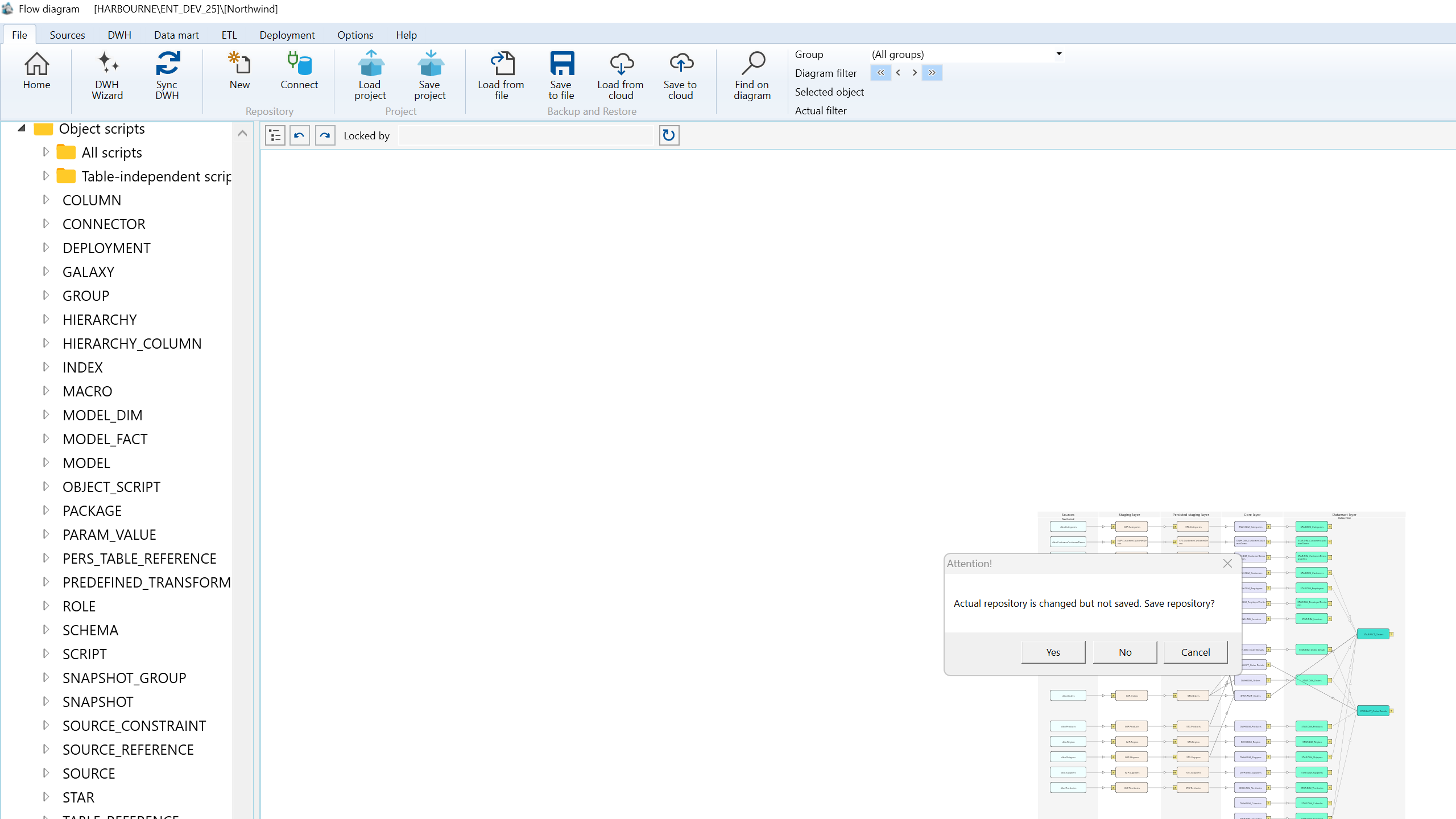
| ID | Property | Description |
|---|---|---|
| 1 | Thumbnail diagram | Floating tool window that previews the full architecture diagram in a compact view. |
| 2 | Thumbnail image | Scaled image of the active diagram canvas. |
| 3 | Click navigation | Clicking the thumbnail scrolls the main diagram toward the selected position. |
| 4 | Main diagram target | The clicked thumbnail position is centered in the visible area of the main diagram when possible. |
| 5 | Remembered size | The window reuses the last saved width and height when it is opened again. |
| 6 | Remembered position | The window reopens near its previous location or docked corner. |
| 7 | Automatic reopen | If the thumbnail was visible when the diagram was closed, it can reopen with the architecture diagram. |
| 8 | Large diagram guard | Very large diagrams are blocked from thumbnail preview to avoid unreliable rendering. |
| 9 | Keyboard handling | Keyboard commands continue to be handled by the main AnalyticsCreator window while the thumbnail window has focus. |
