
Import
Overview
The Import page is used to add or edit a data import from a source. An import defines how source data is mapped into an AnalyticsCreator import table and how the generated import package handles the load.
Function
Use this page to maintain the import package, description, optional import SQL, filter or query options, package flags, field mappings, package variables, scripts, and package loading options.
The main import configuration defines the source-to-target import relationship and package behavior. The tabbed editor contains field mappings, variables, scripts, and performance-related options.
Save validates the import package and stores the import definition. Cancel closes the page without continuing the current edit.
Import context
When a new import is created, the Import Wizard collects the source, target schema, target table name, and package before opening the Import page for detailed editing. Existing imports open directly in the editor.
Access
Open this page when you need to add a new data import from a source or edit an existing import. Existing imports can be opened from the Import branch under Packages, from the Imports list, or from an import connection in the diagram.
How to access
Navigation tree
Packages -> Import -> [package] -> [import] -> Edit import.
Diagram
Double-click an import connection in the diagram.
Imports list
Open the Imports list and double-click an import.
Screen overview
The Import page contains the general import setup, the Main tab for fields and variables, the Scripts tab, the Options tab, and the page action buttons.
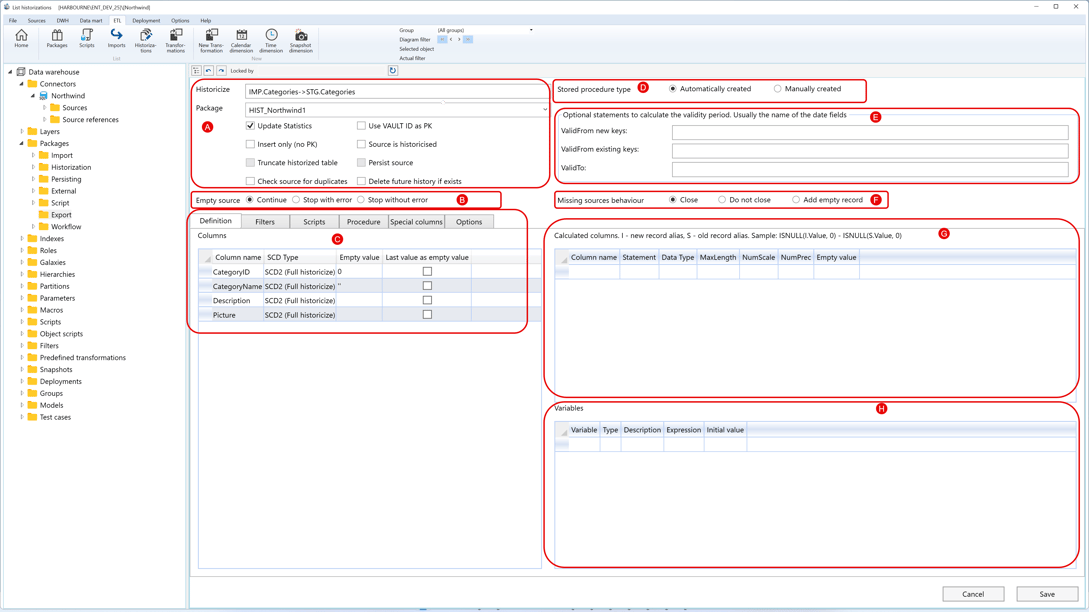
A. General import setup
| ID | Property | Description |
|---|---|---|
| A.1 | Import | Read-only relationship label showing the source-to-target import being edited. |
| A.2 | Package | Import package that owns the mapping. A typed package name can create a new import package on save. |
| A.3 | Description | Optional description for the import mapping. |
| A.4 | ImpSQL | Optional SQL or query text used for the import source selection. |
| A.5 | Filter / Query options | Optional import filter. For OData-style sources, this area can be presented as query options. |
| A.6 | Update Statistics | Updates table statistics as part of the import package flow. |
| A.7 | Use logging | Enables logging for the import package step. |
| A.8 | Externally launched | Marks the owning package as launched outside the standard package run flow. |
| A.9 | Manually created | Marks the owning package as manually maintained. |
| A.10 | Use variable to store query | Stores the source query in a package variable when the connector supports this behavior. |
B. Main tab
The Main tab contains field mappings and package variables used by the import package.
B.1 Fields
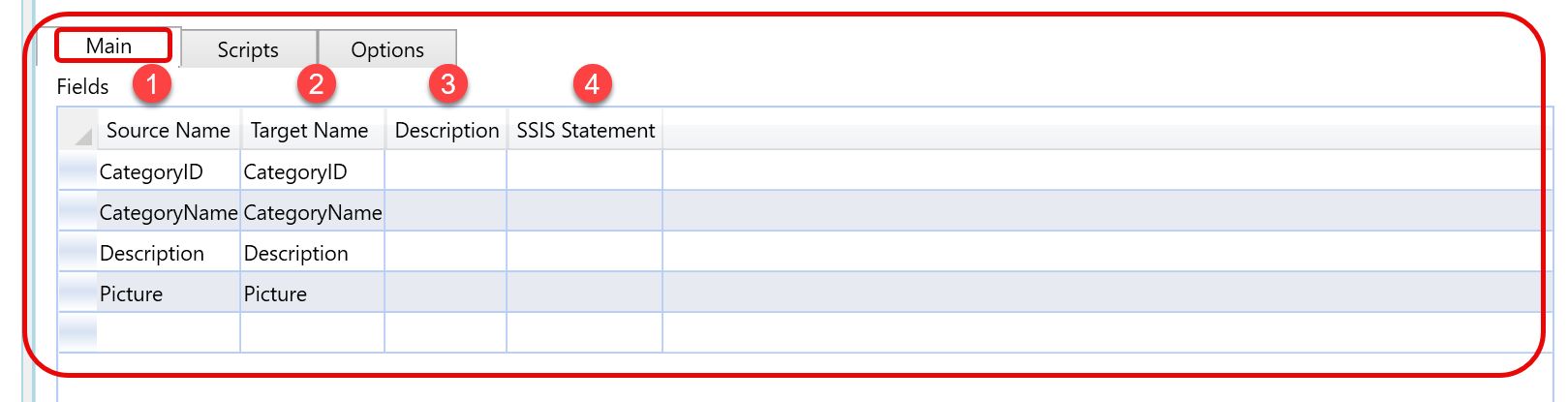
| ID | Property | Description |
|---|---|---|
| B.1 | Fields | Grid that maps source columns to target import-table columns. |
| B.1.1 | Source name | Source column selected for the import mapping. |
| B.1.2 | Target name | Target import-table column that receives the source value. |
| B.1.3 | Description | Optional description for the field mapping. |
| B.1.4 | SSIS statement | Optional package statement for the field mapping. |
B.2 Variables

| ID | Property | Description |
|---|---|---|
| B.2 | Variables | Grid for package variables used by the import package. |
| B.2.1 | Variable | Variable name available to the generated package. |
| B.2.2 | Type | Variable data type: String, Integer, or Boolean. |
| B.2.3 | Description | Optional description for the package variable. |
| B.2.4 | Expression | Optional expression assigned to the package variable. |
| B.2.5 | Initial value | Initial value assigned to the package variable. |
C. Scripts
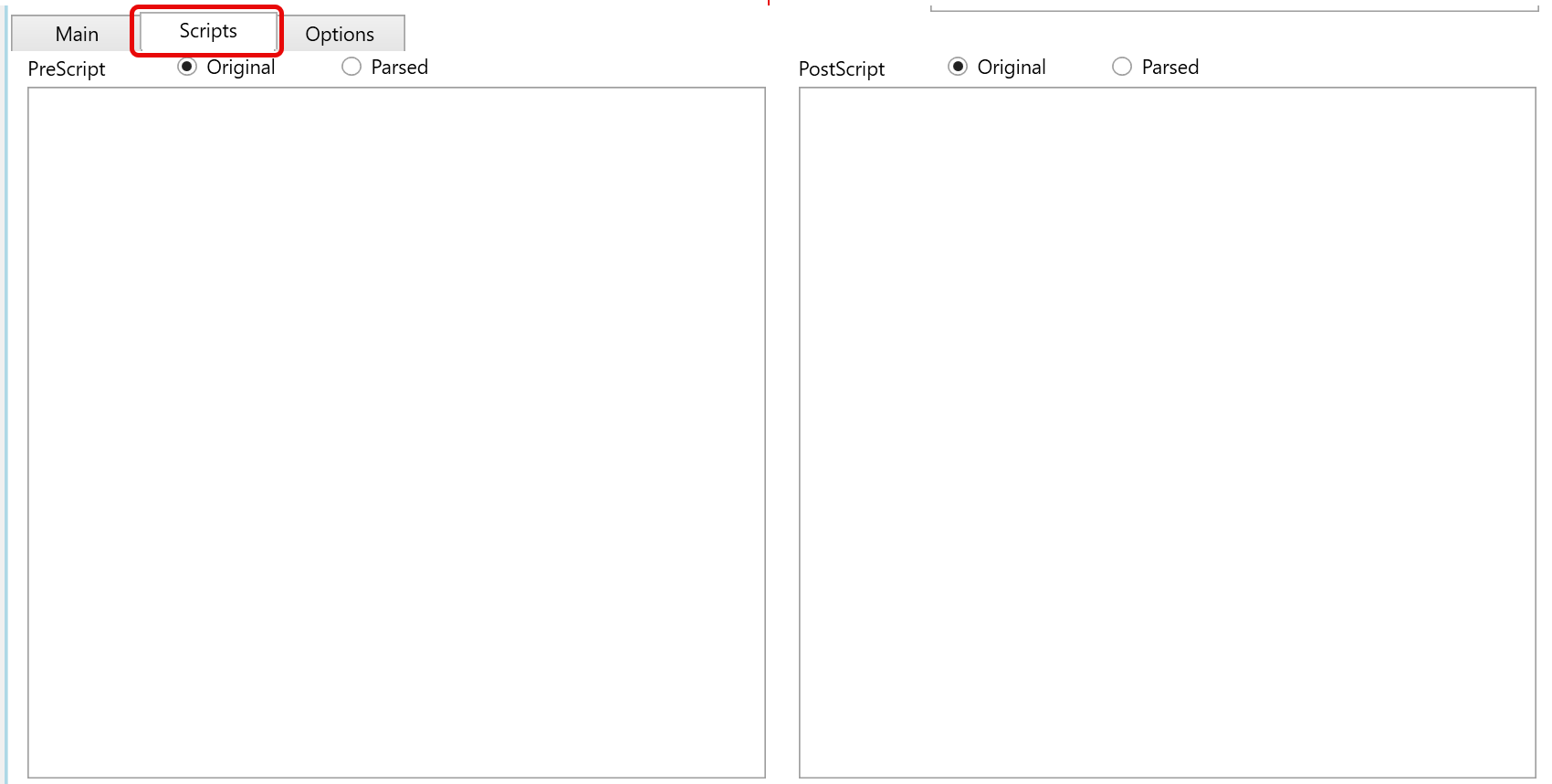
| ID | Property | Description |
|---|---|---|
| C.1 | Scripts | Tab used to maintain SQL that runs before or after the import package step. |
| C.1.1 | PreScript | SQL executed before the import package step. The script can be viewed as Original, showing the text entered by the user, or Parsed, showing the script after AnalyticsCreator resolves macros and generated expressions. |
| C.1.2 | PostScript | SQL executed after the import package step. The script can be viewed as Original, showing the text entered by the user, or Parsed, showing the script after AnalyticsCreator resolves macros and generated expressions. |
D. Options
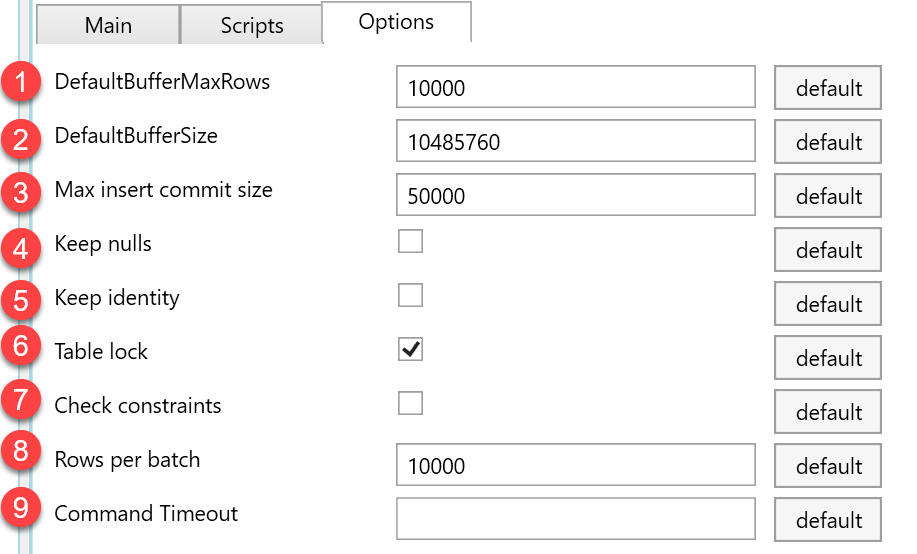
| ID | Property | Description |
|---|---|---|
| D.1 | Options | Tab used to maintain package loading and performance settings. |
| D.1.1 | DefaultBufferMaxRows | Maximum rows allowed in a data-flow buffer before the package uses a new buffer. |
| D.1.2 | DefaultBufferSize | Buffer size used by the generated package data flow. |
| D.1.3 | Max insert commit size | Maximum number of inserted rows committed in one operation. |
| D.1.4 | Keep nulls | Preserves incoming null values instead of applying target defaults. |
| D.1.5 | Keep identity | Keeps identity values from the incoming data when supported. |
| D.1.6 | Table lock | Requests a table lock while rows are inserted into the target. |
| D.1.7 | Check constraints | Controls whether target constraints are checked during load. |
| D.1.8 | Rows per batch | Batch size used when writing rows to the target. |
| D.1.9 | Command timeout | Timeout for import commands. Empty value falls back to the repository default. |
| D.1.10 | default | Restores the repository default value for the option on the same row. |
E. Page actions
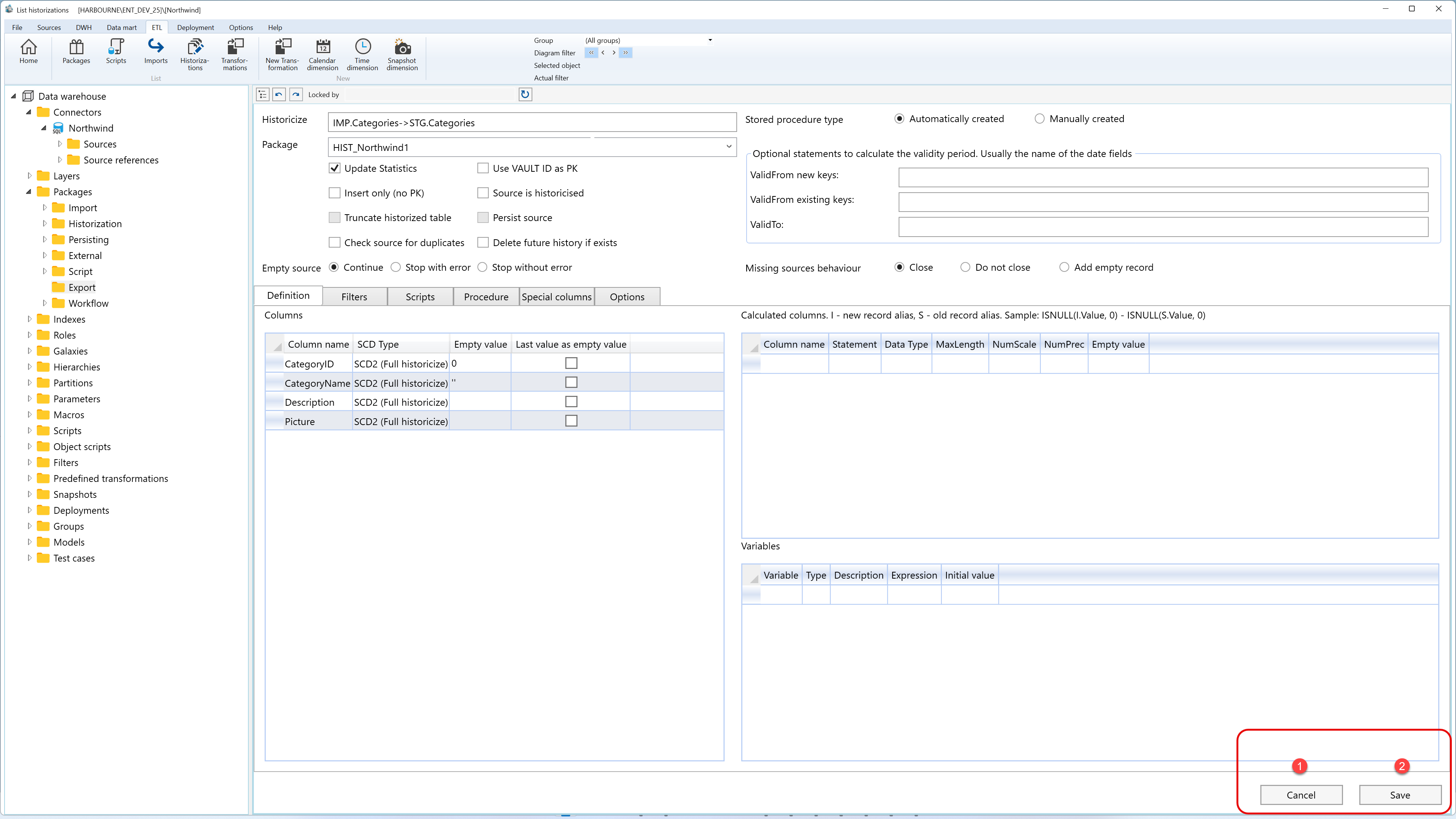
| ID | Action | Description |
|---|---|---|
| E.1 | Save | Validates the package and stores the import mapping, field mappings, scripts, package flags, and options. |
| E.2 | Cancel | Closes the page without continuing the current edit. |
