
Models
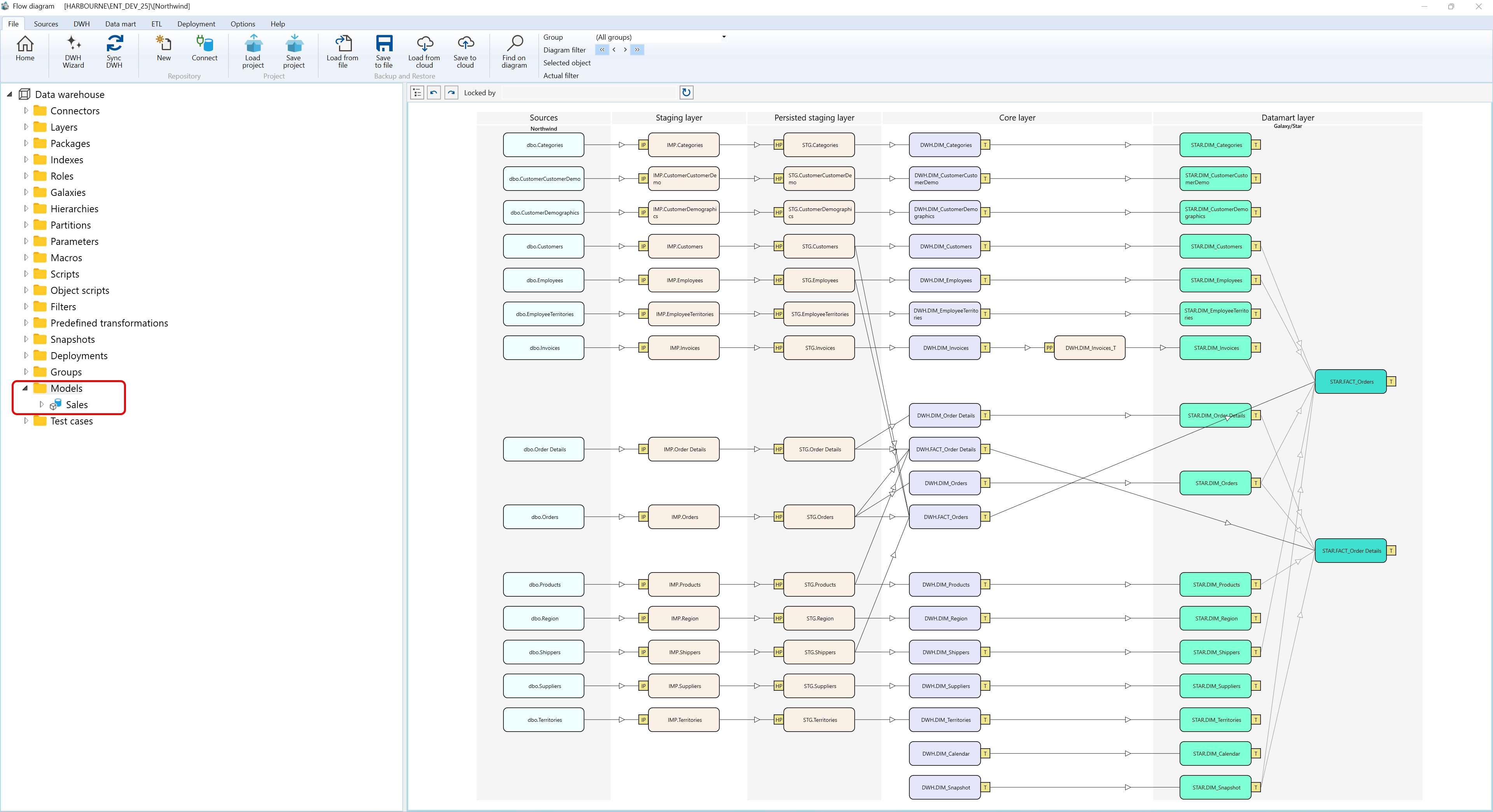
Overview
The Models navigation tree branch opens data mart model definitions.
Function
Use the branch or Data mart toolbar command to open the model list.
The list supports searching and editing model name and description values before saving or cancelling changes.
Access
Open the Models branch from the navigation tree or use the Data mart toolbar tab.
How to access
Navigation tree
Models -> List models.
Toolbar
Data mart -> Models.
Diagram
Not opened directly from the diagram.
Visual element
Models navigation branch and list
Screen overview
| ID | Property | Description |
|---|---|---|
| 1 | Models | Navigation branch for model definitions. |
| 2 | List models | Opens the model list. |
| 3 | Search criteria | Area used to filter model rows. |
| 4 | Search | Applies the current search criteria. |
| 5 | Name | Business name shown in lists and navigation. |
| 6 | Description | Business description or notes for the object. |
| 7 | Save | Saves the current definition, refreshes the relevant navigation or list, and keeps the page consistent with the saved state. |
| 8 | Cancel | Leaves the page without continuing the current edit. |
