
Upgrade repository
Overview
Upgrade repository is the progress dialog shown when AnalyticsCreator updates an existing repository so it can be opened with the current application version.
Function
The dialog starts the repository update automatically, shows progress and update messages, and keeps the OK button unavailable until the update process has finished.
AnalyticsCreator can show this dialog when connecting to an existing repository or when loading a repository backup that requires an update before it can be used.
Access
Open a repository from the File toolbar. If the selected repository must be updated, AnalyticsCreator opens the update progress dialog before loading the repository workspace.
How to access
Navigation tree
Not direct. Repository upgrades run before the repository tree is loaded.
Toolbar
File -> Repository -> Connect, or File -> Backup and Restore -> Load from file / Load from cloud.
Diagram
Not direct. The dialog appears during repository connection or restore.
Visual element
Updating repository dialog
Screen overview
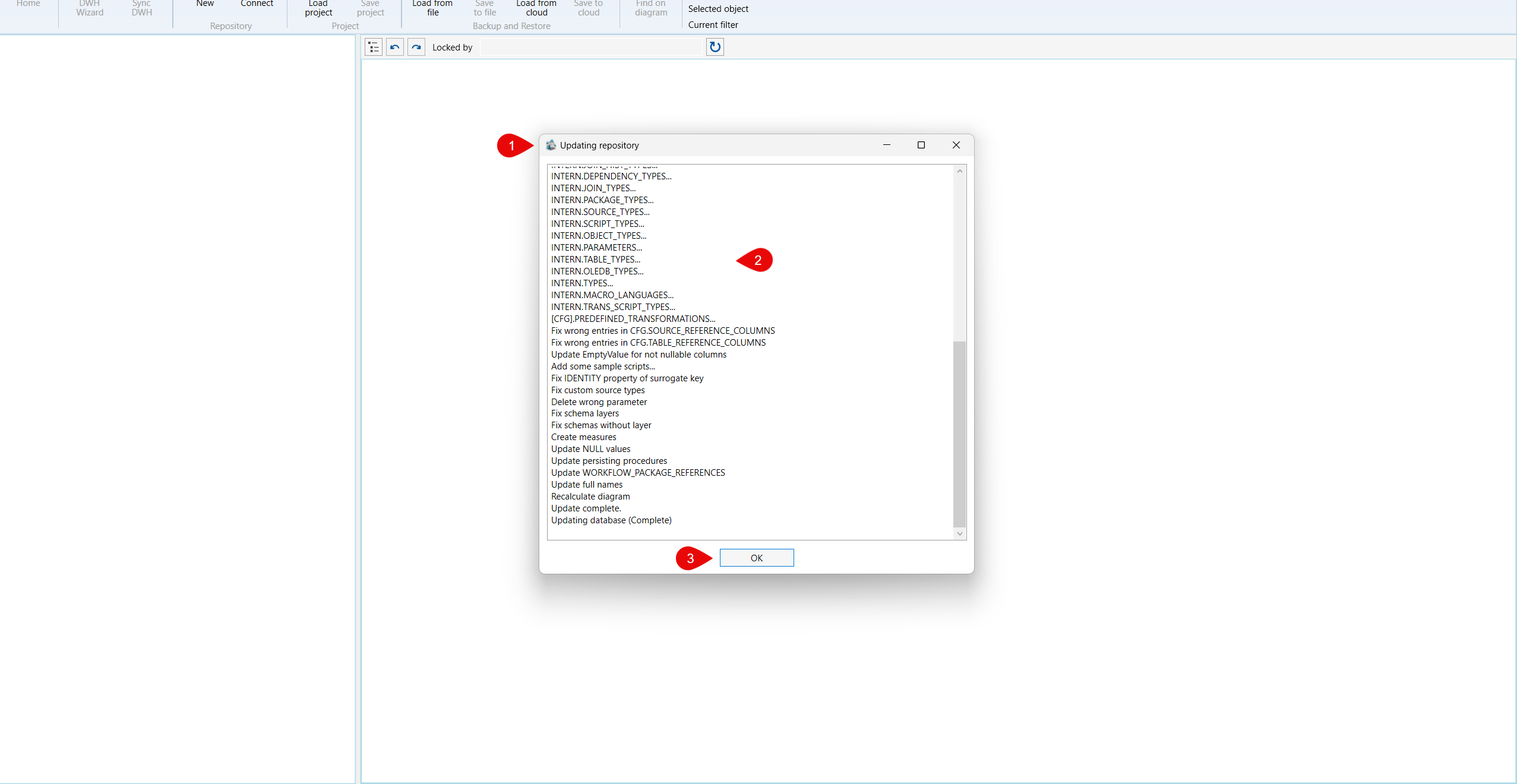
| ID | Property | Description |
|---|---|---|
| 1 | Updating repository | Window title used while AnalyticsCreator updates an existing repository. |
| 2 | Progress message | Initial message telling the user that the repository update is running and to wait. |
| 5 | OK | Button that remains disabled during the update and becomes available when the process finishes. |
