EULA
Overview
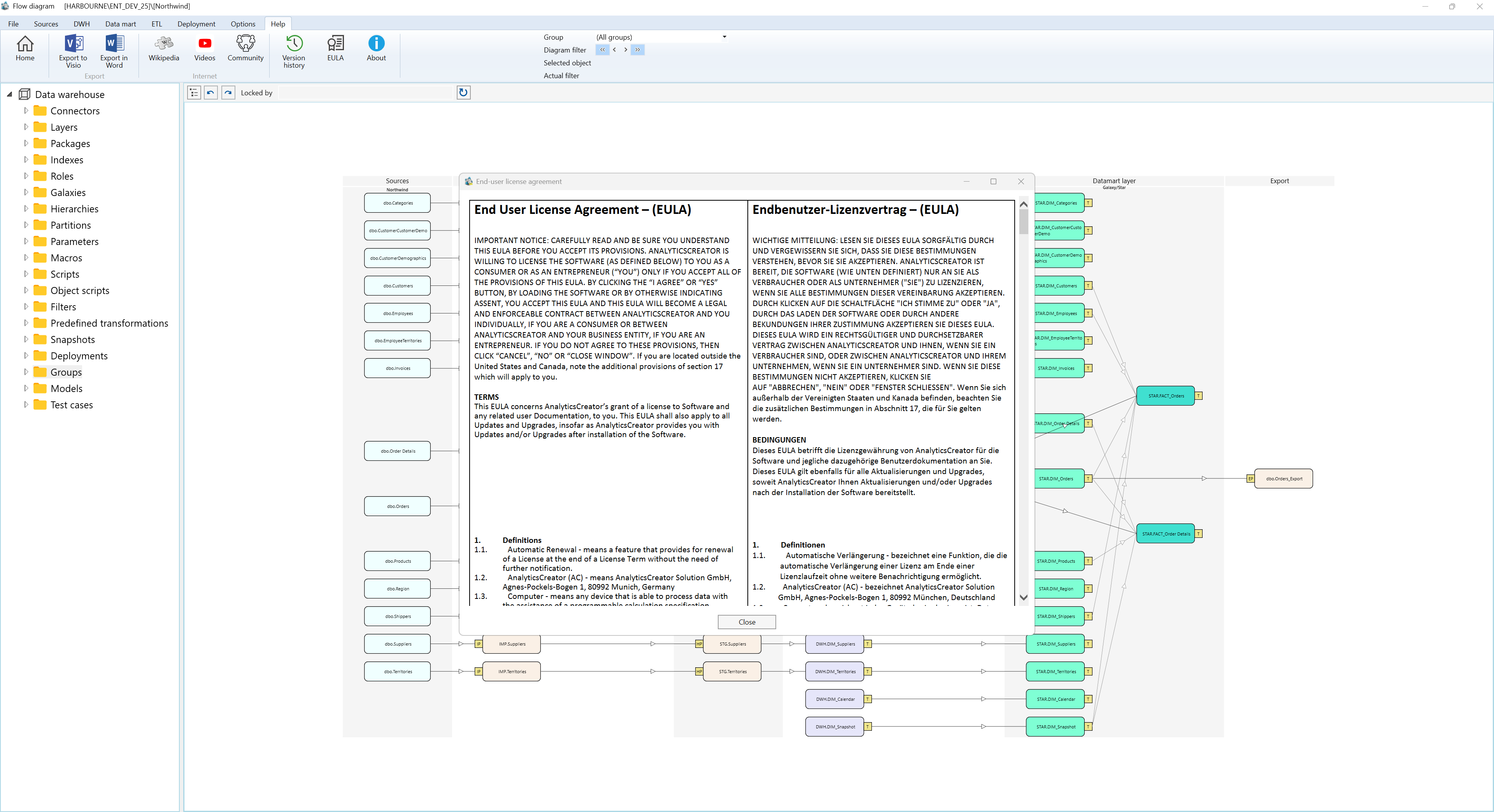
EULA is the End-user licence agreement dialog in AnalyticsCreator. It displays the licence agreement so users can review the terms, accept them when acceptance is required, or close the agreement when it is opened for reference.
Function
AnalyticsCreator uses this dialog in two situations. During the agreement check, it can require the user to accept the licence agreement before continuing. From the Help area, it can open the same agreement in review mode so the user can read it again later.
The agreement text is displayed in the main reading area of the dialog. In acceptance mode, the dialog shows Accept and Decline. Accepting records the agreement and returns to AnalyticsCreator; declining closes the dialog without accepting. In review mode, the acceptance buttons are hidden and the dialog shows Close.
Access
Open EULA from the Help toolbar when you need to review the licence agreement. AnalyticsCreator can also show it automatically when a user has not yet accepted the agreement.
How to access
Navigation tree
Not direct. The dialog opens from Help or during the agreement check.
Toolbar
Help -> EULA
Diagram
Not direct. Use the Help toolbar or the automatic agreement check.
Visual element
End-user licence agreement dialog
Screen overview