Object groups
Overview
Object groups let users focus the dataflow diagram on a named set of repository objects and their related flow context.
Function
Object groups are used to isolate a business area, workflow, or implementation slice without changing the full repository model. A selected group limits the dataflow diagram to the objects that belong to that group, making large projects easier to review, generate, and maintain.
Groups can be selected from the diagram control area, applied from the navigation tree, or edited from an object in the diagram. Membership can be assigned directly for the selected object, inherited from predecessors or successors, or excluded when a related object should not appear in the group. Groups can also be locked to protect the selected scope while another user is working on it.
Access
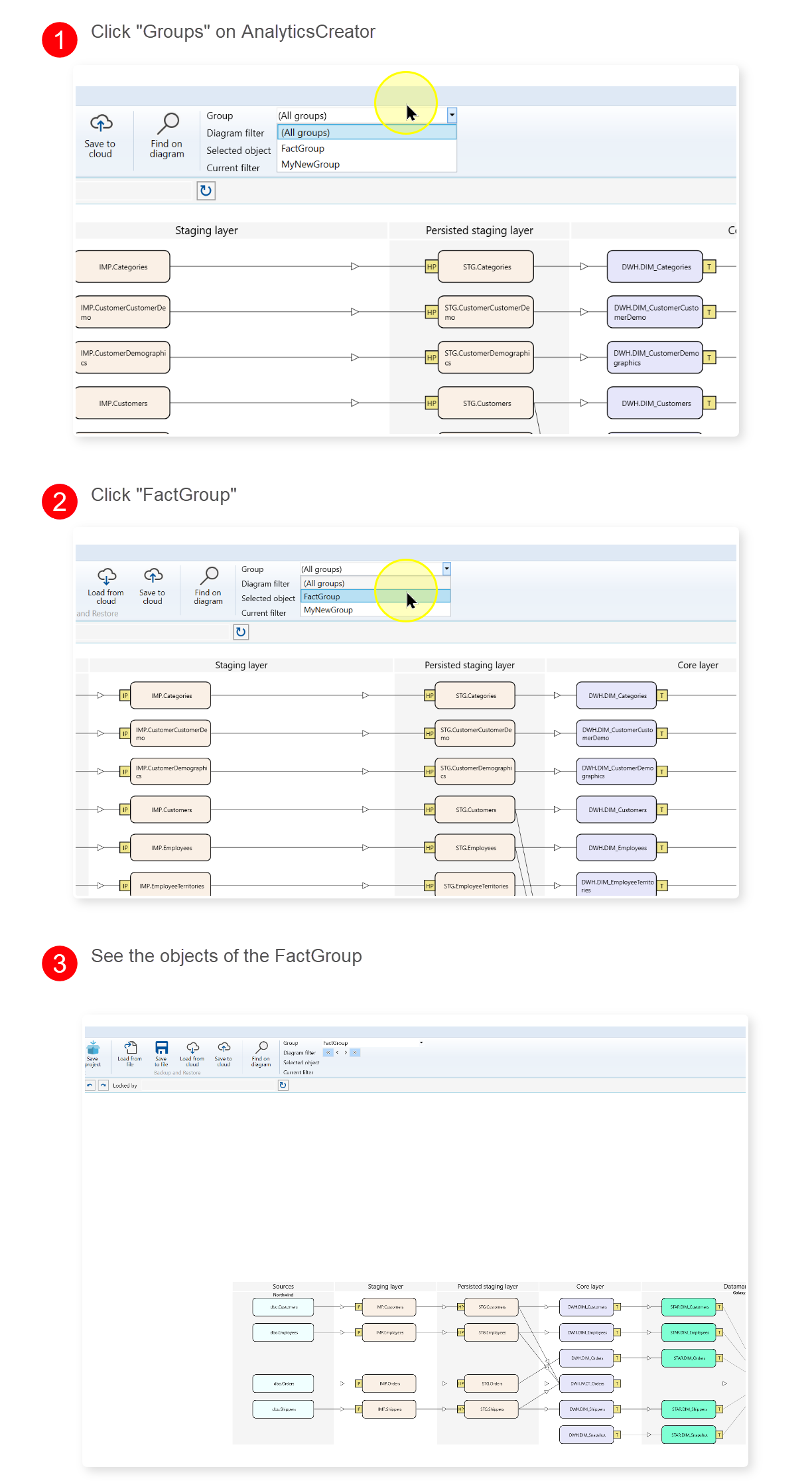
Use the diagram Group selector to switch between all objects and a named group. Use an object context menu when assigning the selected diagram object to groups. Use the navigation tree when managing group records or reviewing group membership.
How to access
Navigation tree
Data warehouse -> Groups -> List groups, Add group, or group name
Toolbar
Dataflow diagram controls -> Group
Diagram
Object context menu -> Object groups
Visual element
Group selector, group navigation item, or Groups dialog
Screen overview