
Filters
Overview
Filters in the dataflow diagram control which objects are shown in the AnalyticsCreator architecture view. Use them to focus the diagram on a selected object, add related objects to the current view, save a useful diagram selection, or reopen a saved selection later.
Function
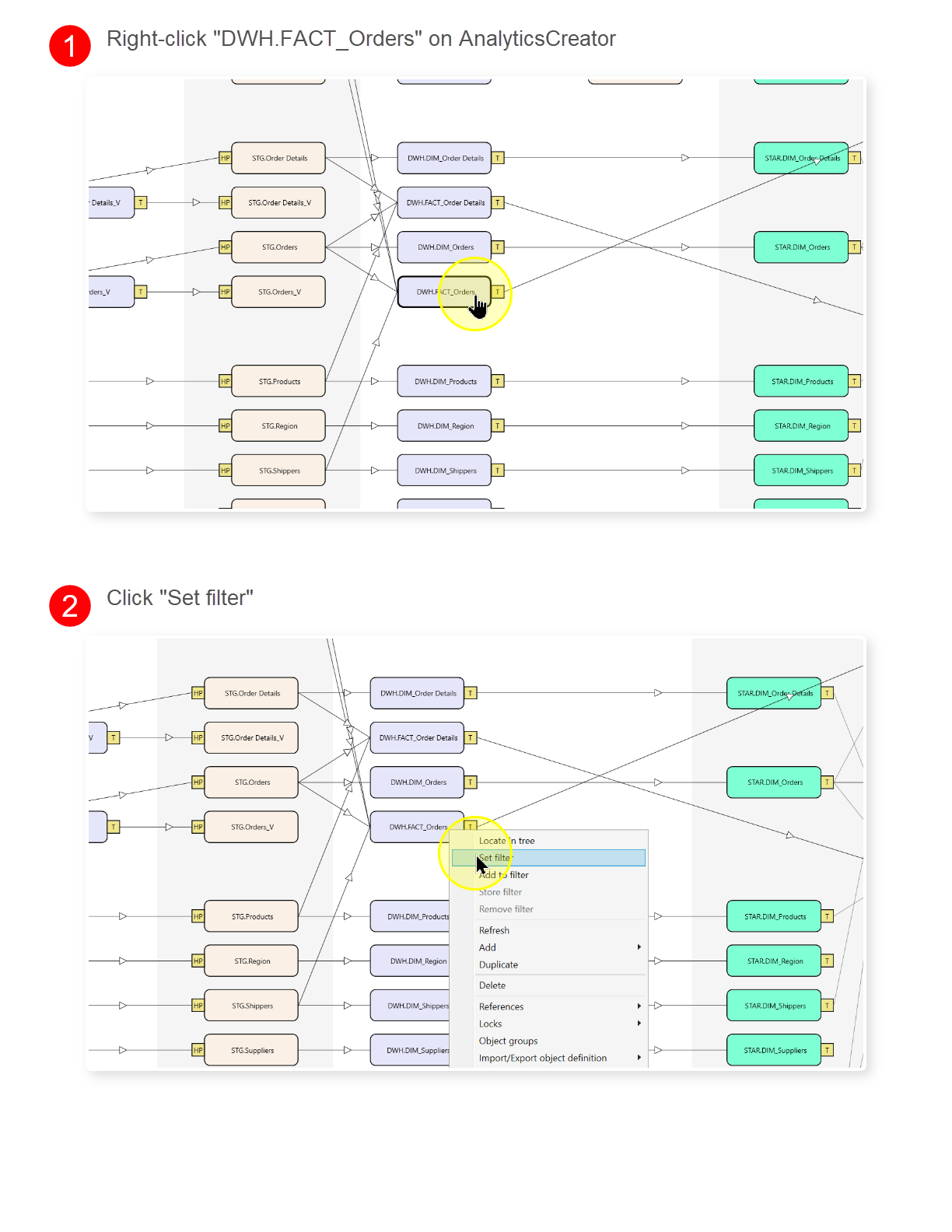
A diagram filter is a working selection of objects. When you set a filter from an object, the diagram refreshes around that object. When you add to a filter, the selected object is added to the current selection instead of replacing it.
The main window shows the active context beside the diagram: the selected group, the diagram expansion controls, the selected object, and the actual filter text. The actual filter field lists the object names currently included in the filter.
Filters can be stored from the diagram or from the Filters entry in the navigation tree. A stored filter can then be applied from the navigation tree to reopen the same focused diagram view, which is useful when reviewing a specific dataflow repeatedly.
Access
Open the dataflow diagram from the DWH area, then use an object context menu, the diagram context menu, or the Filters entry in the navigation tree. The File ribbon also provides Find on diagram for locating objects before filtering.
How to access
Navigation tree
Use Filters -> Store current filter, or use a saved filter with Apply filter.
Toolbar
Use File -> Find on diagram to locate an object before setting or extending the filter.
Diagram
Use Dataflow diagram -> object context menu -> Set filter or Add to filter.
Visual element
Diagram filter controls, Actual filter field, or saved filter row.
Screen overview
Filter Context Menu
| ID | Command | Description |
|---|---|---|
| 1 | Refresh | Reloads the Filters branch. |
| 2 | Store current filter | Stores the current diagram filter as a saved filter. |
