
Introduction
Create a query-based Source from an existing Connector. Give the query definition a schema and name, enter the query text, and use Test query before creating the definition. The example defines Core.Germany from selected customer columns.
Applicability
Use this procedure when the required source data must be defined by a query instead of by selecting complete table metadata.
Prerequisites
- Configure the connector that will execute the query.
- Prepare a query supported by that connector and confirm that it returns the intended columns.
- Confirm that the connector type exposes the Table/Query selection in the Source Wizard.
Steps
Open Source Wizard
Expand Connectors.
Expand Connectors to locate the source connector. 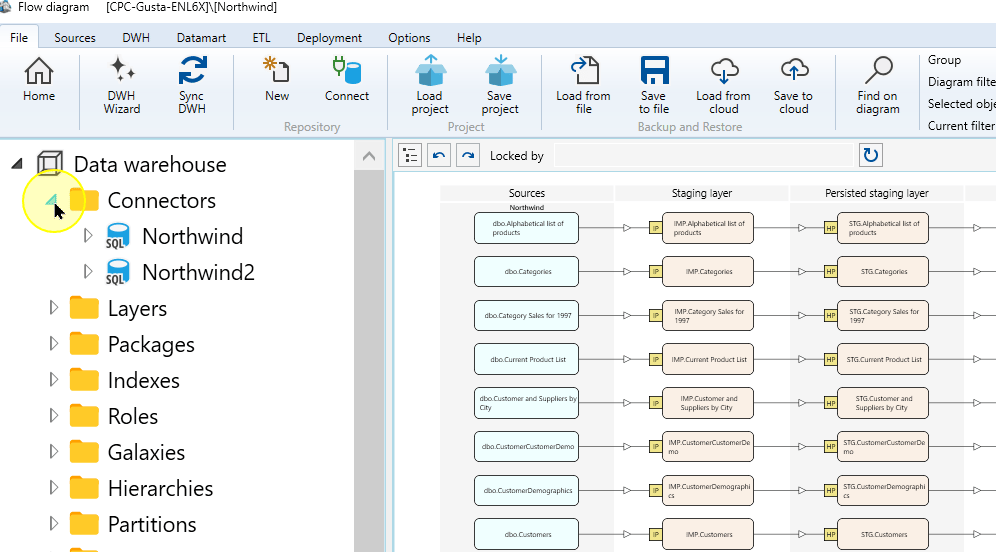
Expand the required connector.
Expand Northwind to show Sources. 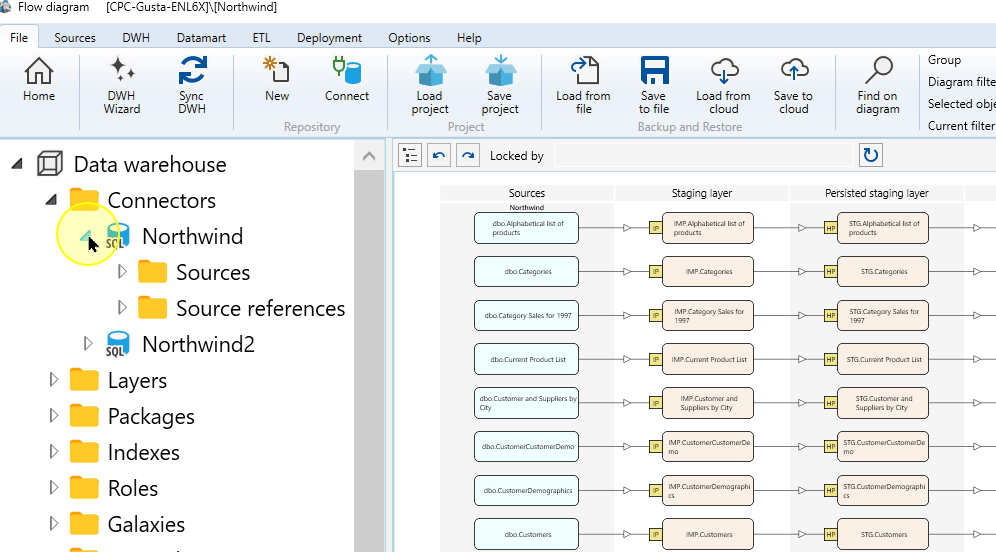
Open its Sources context menu.
Open the Sources context menu. 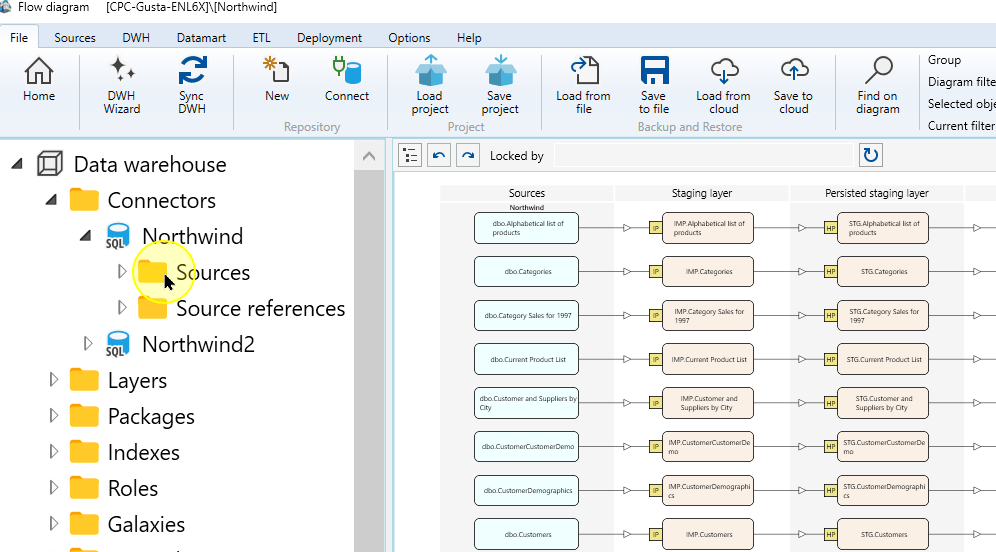
Choose Read source from connector.
Read source from connector in the Sources menu. 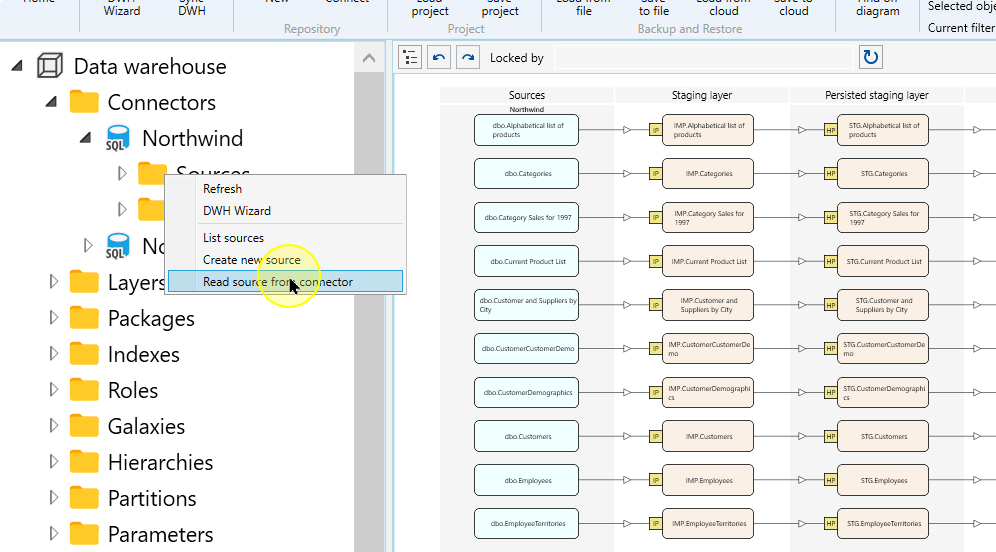
In Source Wizard, confirm the selected Connector.
Confirm the connector in Source Wizard. 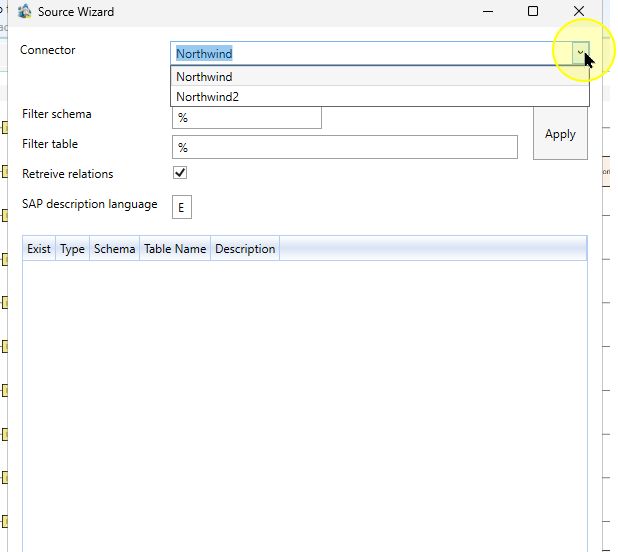
Define and test the query
Select Query.
Choose Query in Source Wizard. 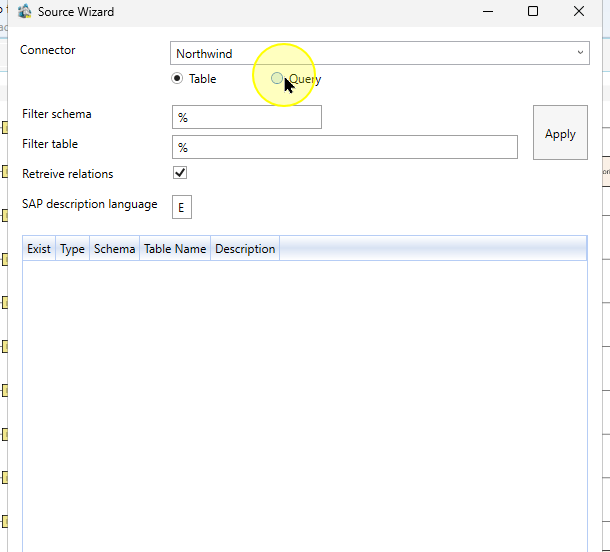
Enter Query schema and Query name to identify the new Source definition. The example uses Core and Germany. The query schema identifies the definition; the SQL separately identifies the table being queried.
Query schema and name in the query definition. 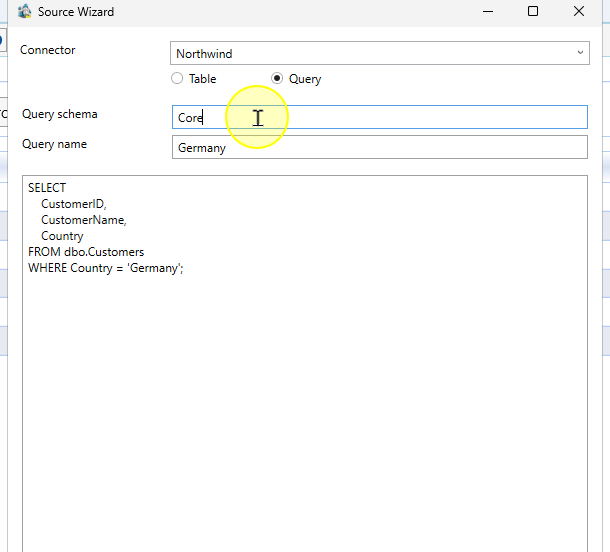
Enter the SQL in the query input. The example selects three customer columns and limits rows to Germany:
SELECT
    CustomerID,
    CustomerName,
    Country
FROM dbo.Customers
WHERE Country = 'Germany';
Use this example only with a Source exposing those exact columns. For another task, replace the table, selected columns and country condition with the intended query, using syntax supported by the Connector.
SQL text for the example query source. 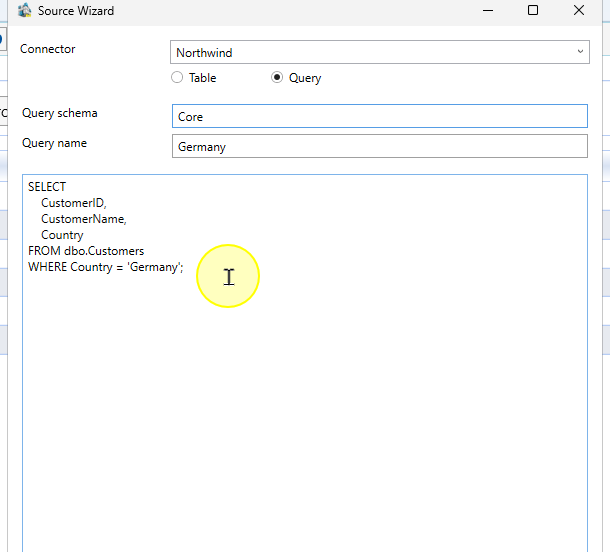
Choose Test query and review the response. Correct any reported query errors before continuing. Confirm that the query describes the intended columns and row condition.
The Test query control beneath the query definition. 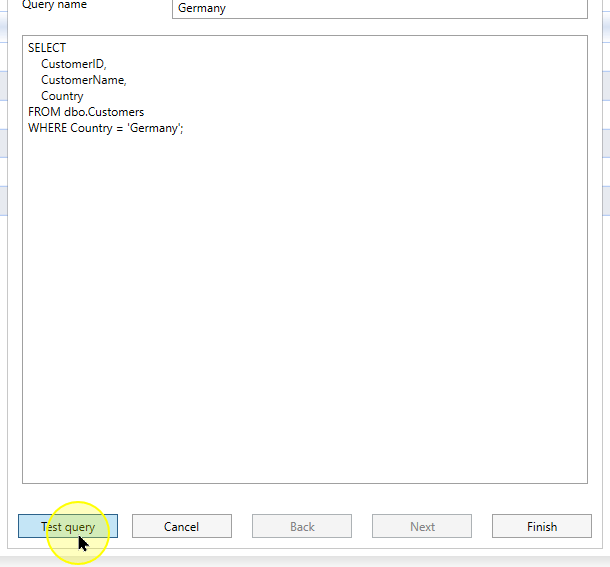
Choose Finish to create the query source definition. Confirm that the definition is available beneath the connector’s Sources area.
Finish the query-source definition. 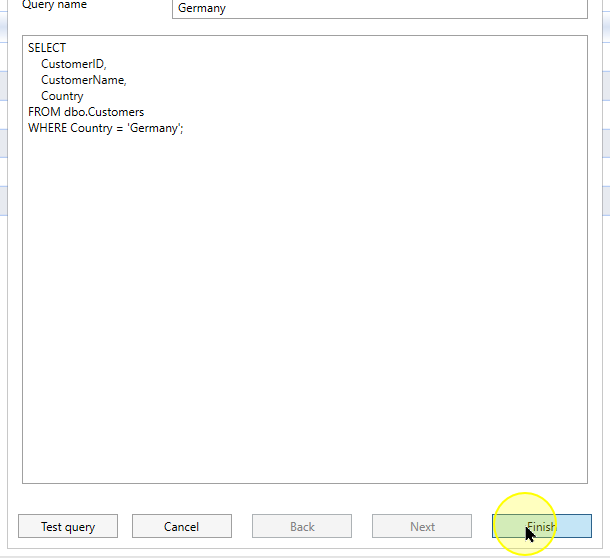
Expected Results
- The query Source appears under the intended Connector with the Query schema and Query name entered.
- Open the saved definition and compare its query text with the tested statement. Check the selected columns and row condition; creating the definition is separate from later import execution.
Decisions and variations
- Use the query route only when the selected Connector exposes Query. Use syntax supported by that Connector.
Troubleshooting
- Test query error: check the referenced table, columns and syntax supported by the selected Connector. Correct the reported problem before Finish.
- Query unavailable: check the Connector and use this procedure only when Query is supported; Table mode is a different operation.
