
Introduction
Create the source definitions used by the Meta-Connector workflow with Read source from connector. First inspect the connector and its existing Sources, then add any missing table or query definitions. The result is reusable source metadata in the project; no export is required.
Applicability
Use this procedure when the Meta-Connector workflow needs source definitions created from metadata exposed by an existing connector. In the AnalyticsCreator interface, locate this workflow by looking for Read source from connector, not for a command labeled Meta-Connector.
Prerequisites
- Configure the connector that contains or can return the required source metadata.
- Confirm that you can identify the required schema, table, or query.
- Confirm that you have permission to create source definitions.
- Start from the connector whose metadata will be used by the Meta-Connector workflow.
Steps
Inspect the connector and existing sources
Expand Connectors in the navigation tree.
Connectors expanded in the navigation tree. 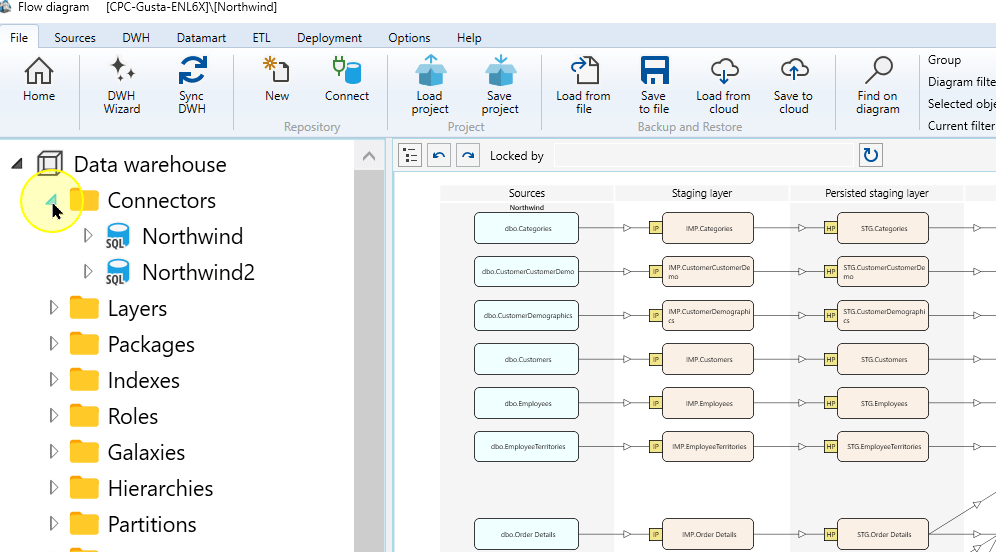
Open the context menu for the Connector whose metadata you intend to use. Northwind is the example Connector.
Northwind connector selected in the navigation tree. 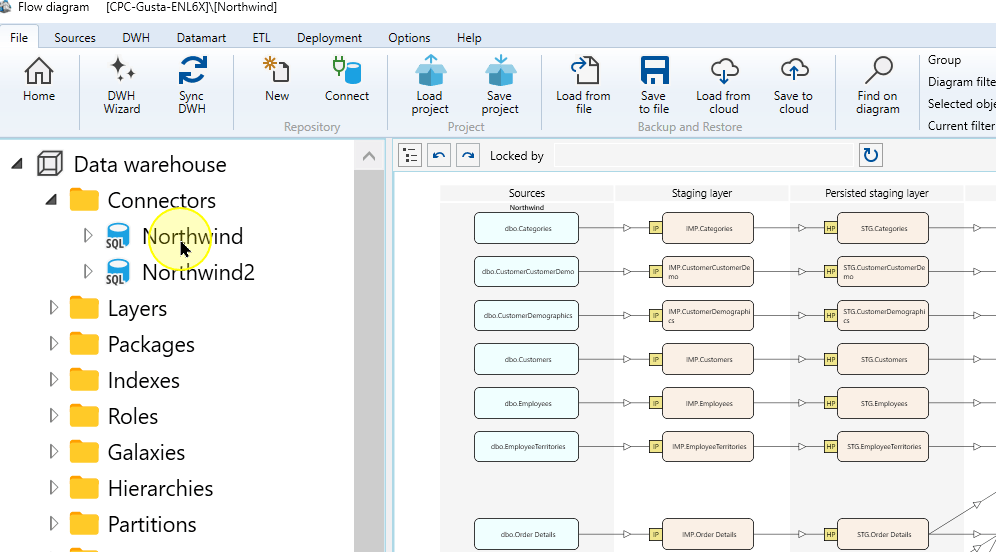
Choose Edit connector to inspect that connector’s configuration.
Edit connector in the Northwind context menu. 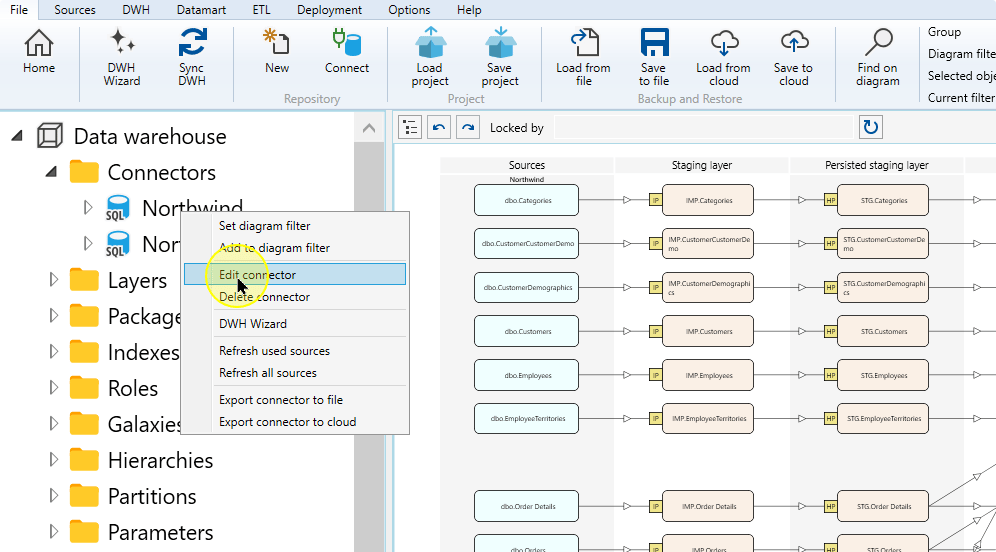
Expand the same connector in the navigation tree to locate Sources and Source references.
Northwind expanded to show Sources and Source references. 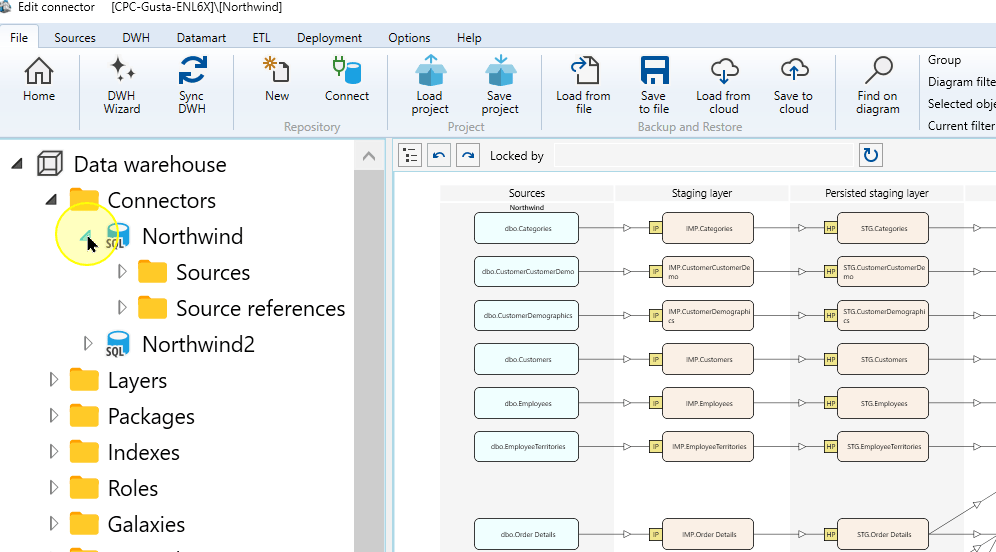
Open the Sources context menu.
Sources beneath the Northwind connector. 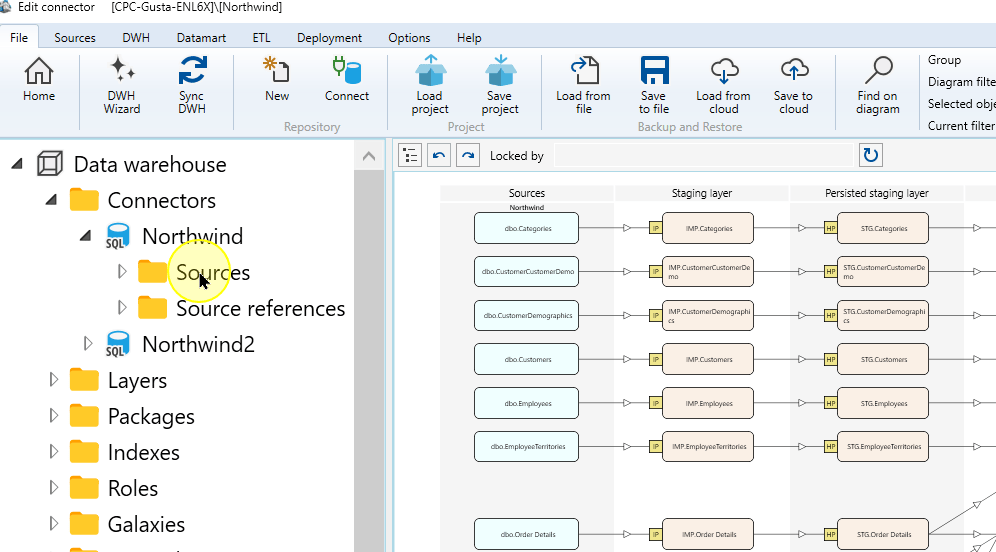
Choose List sources to inspect the existing source definitions. This is the inspection route; the source-creation command is Read source from connector.
List sources in the Sources context menu. 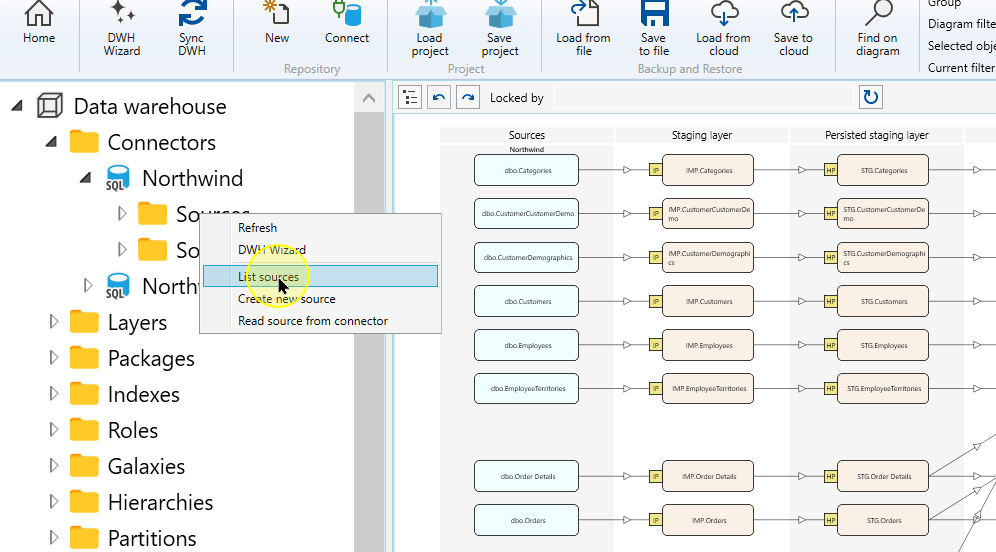
Expand Sources in the tree to locate a particular existing definition.
Existing source definitions beneath Sources. 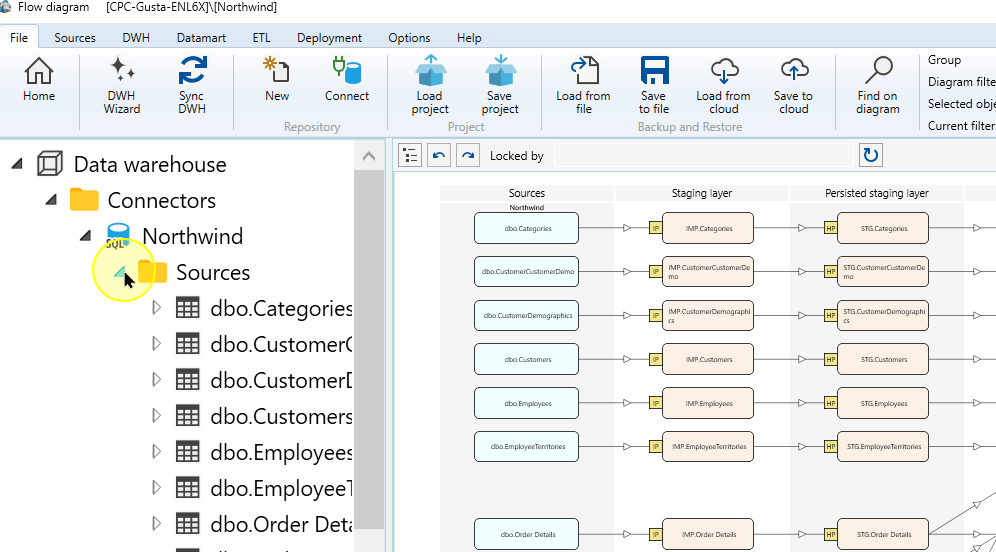
Open the context menu for an existing Source you need to inspect, such as dbo.Categories.
The existing dbo.Categories source in the navigation tree. 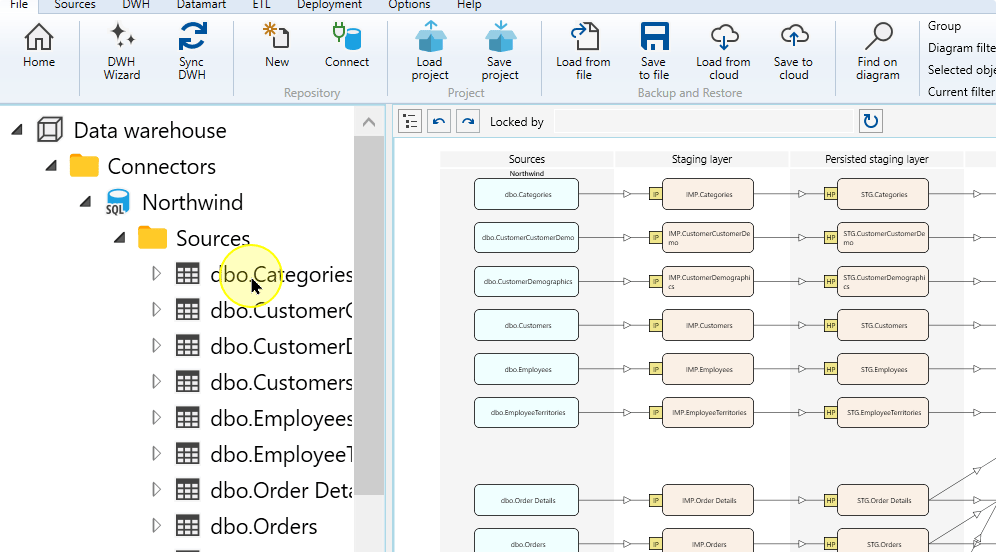
Choose Edit source to review that definition before deciding which definitions are still missing.
Compare the existing definition with the input you need. This inspection identifies missing metadata; it does not create another Source.
Edit source in the dbo.Categories context menu. 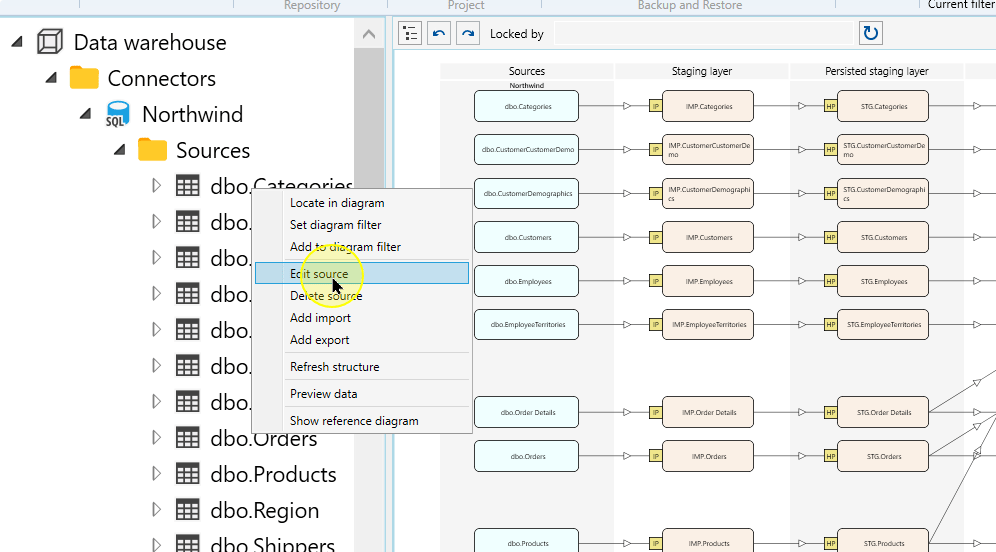
Create missing source definitions
Return to the intended connector’s Sources context menu before starting this separate creation route.
Choose Read source from connector.
In Source Wizard, confirm that the correct Connector is selected.
Setting Explanation Connector The configured connection that supplies the source metadata. Confirm its identity before reading the list. Filter schema Limits the returned objects by their source schema. Filter table Limits the returned objects by their name. Use the source objects you intend to add. Apply Refreshes the source-object list using the selected connector and filters; it does not finish source creation. Choose the source-definition route: Table reads table or view metadata; Query defines a Source using query text when that choice is available.
For Query, enter Query schema, Query name, and query text supported by the connector. Choose Test query, review the response, and correct any reported errors. Then continue to Finish below. For Table, continue with the filters and source-object list.
For a table source, use Filter schema and Filter table when you need to limit the available objects.
Choose Apply to refresh the source-object list.
Expected: The list refreshes and displays the objects that match the current connector and filter settings.
Select the source objects required by the Meta-Connector workflow.
Column Explanation Exist Indicates that a source object already exists in AnalyticsCreator. Review its identity before finishing source creation. Type The object type returned by the connector, such as a table or view. Schema and Table Name Together identify the source object; compare them with the definition you intend to use. Expected: The chosen source objects are highlighted and ready to be added to the Meta-Connector workflow.
Choose Finish to create the selected table source definitions or the configured query source.
Expected: The created source definitions appear under the connector’s Sources area.
Expected Results
- The intended definitions appear under the selected Connector’s Sources node. Open them and compare their identity, columns and query text where applicable with the inputs you intended to define.
- These definitions are available for the Meta-Connector workflow. Source creation does not require export or prove that data has been imported.
Decisions and variations
- The source-creation interface and availability of Table/Query depend on the Connector type. Some connectors open Define source instead of Source Wizard.
- Use existing Source definitions when they already describe the required inputs; create missing definitions with Read source from connector.
Troubleshooting
- Required Source missing: confirm the Connector, Table/Query mode and filters. Use Apply to inspect returned table metadata before selecting and finishing.
- Query error: review Test query and correct the SQL for the selected Connector before creating the definition.
