
Introduction
Configure an existing import package item: set its row filter and field mappings, define any required variables or scripts, and review the applicable loading options. The example filters customers by country. Save and reopen the item to check the stored configuration before running its package.
Applicability
Use this procedure after an import has been created and its behavior must be adjusted beyond the initial source, target schema, table, and package selection.
Prerequisites
- Create the import through the Import Wizard or DWH Wizard.
- Identify the import package item to edit.
- Prepare the required filter expression, package variables, field mappings, and scripts.
- Review scripts outside the production workflow before saving them.
Steps
Open the import and set its filter
Open ETL.
The ETL ribbon provides access to import tools. 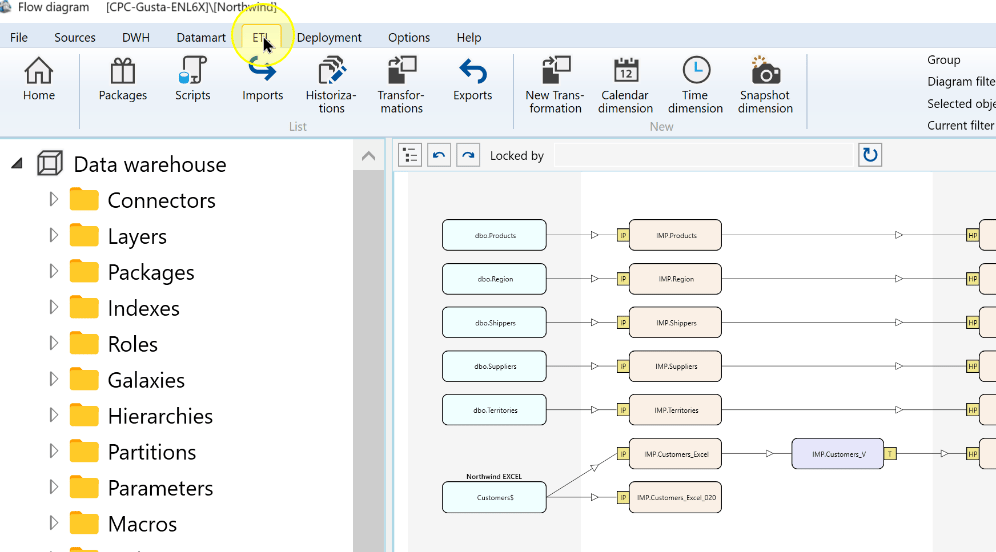
Choose Imports.
The Imports command on the ETL ribbon. 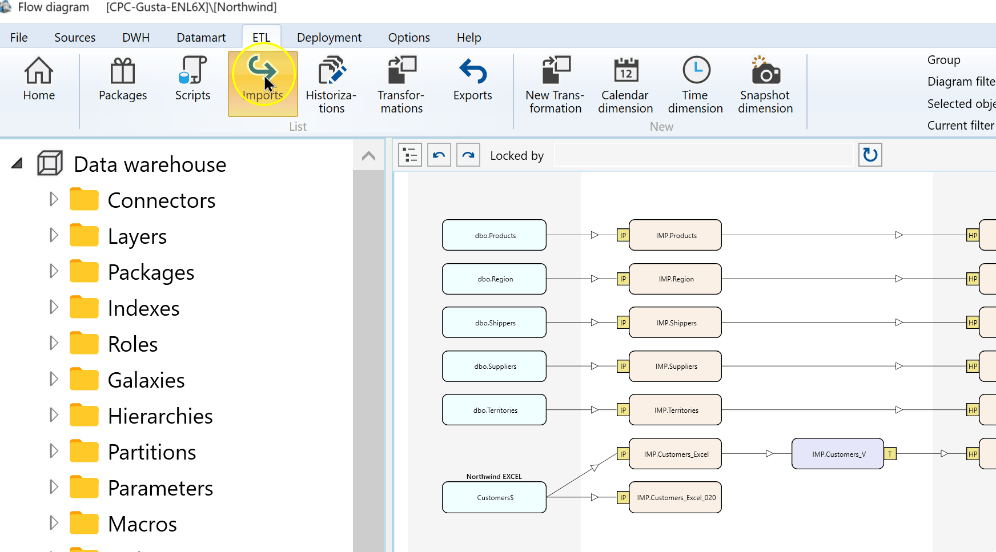
Locate and open the import package item to edit.
The selected import in the Imports list. 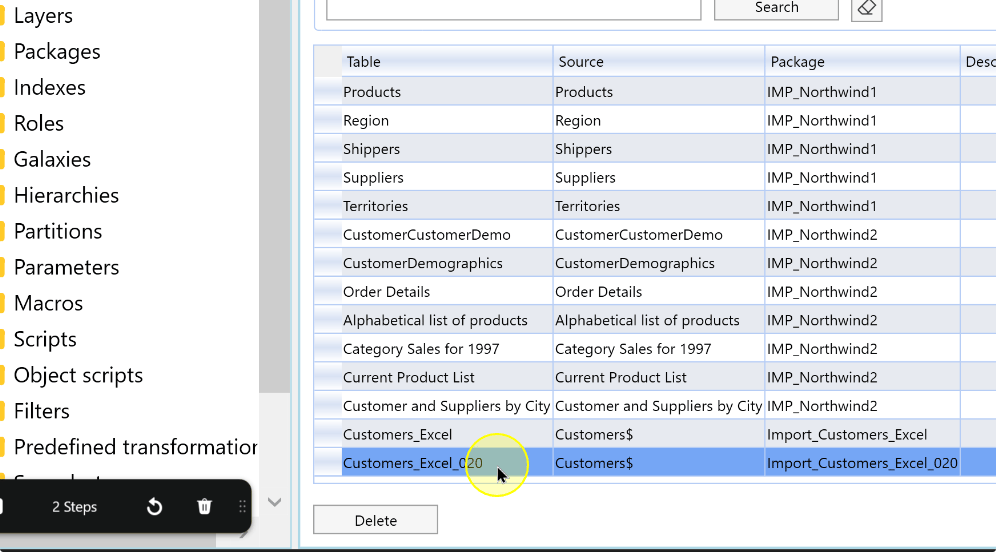
Enter or update the Description.
Enter the required expression in Filter. The example
[Country] = 'Germany'limits the import by the Country value. Check the field name and comparison value against the Source, and validate the expression against the intended rows.The import Filter field contains the example expression [Country] = 'Germany'. ![The import Filter field contains the example expression [Country] = 'Germany'](https://www.analyticscreator.com/hs-fs/hubfs/images/how-to/clean-2026-09-21-125028/021-variables-filters-pre-and-postscripts-and-so-on/021-variables-filters-pre-and-postscripts-and-so-on_Step004-clean.webp?width=996&height=552&name=021-variables-filters-pre-and-postscripts-and-so-on_Step004-clean.webp)
Review field mappings and variables
On the Main tab, correct any required mapping between Source Name and Target Name.
Column Explanation Source Name The Source column selected for the mapping. Target Name The import-table column receiving the Source value. Description Optional explanation of the mapping. SSIS Statement Optional package statement for the mapped field. In Variables, add or update the variable name, type, description, expression, and initial value.
Column Explanation Variable Name available to the generated package. Type Variable data type: String, Integer or Boolean. Description Optional explanation of the variable’s purpose. Expression Optional expression assigned to the variable. Initial value Initial value assigned to the variable.
Configure scripts before and after the import
Open the Scripts tab.
Enter any required PreScript and PostScript in their Original views. PreScript runs before the import package step; PostScript runs after it. Keep the statements specific to this import and validate them before package execution.
Review Parsed to inspect the script after AnalyticsCreator resolves macros and generated expressions. Parsed is read-only; edit the Original text when a change is needed.
Review loading options and package flags
Open Options and review the settings that apply to this package. Change only the options required for its loading behavior:
Setting Explanation DefaultBufferMaxRows Maximum rows in a data-flow buffer before the package uses a new buffer. DefaultBufferSize Buffer size used by the generated package data flow. Max insert commit size Maximum inserted rows committed in one operation. Keep nulls Preserves incoming null values instead of applying target defaults. Keep identity Keeps incoming identity values where supported. Table lock Requests a table lock while inserting target rows. Check constraints Controls checking target constraints during the load. Rows per batch Batch size for writing rows to the target. Command timeout Timeout for import commands. An empty value uses the repository default. default Restores the repository default for the option on that row. Review the package flags and select only those required for this import:
Setting Explanation Update Statistics Updates table statistics as part of the import package flow. Use Logging Enables logging for the import package step. Externally launched Marks the owning package as launched outside the standard package run flow. Manually created Marks the owning package as manually maintained. Use variable to store query Stores the source query in a package variable when the Connector supports this behavior.
Save and verify
Choose Save after reviewing the filter, mappings, variables, scripts, and selected options. Reopen the import to check the stored settings. Saving configuration does not execute the import.
The Save control in the import package editor. 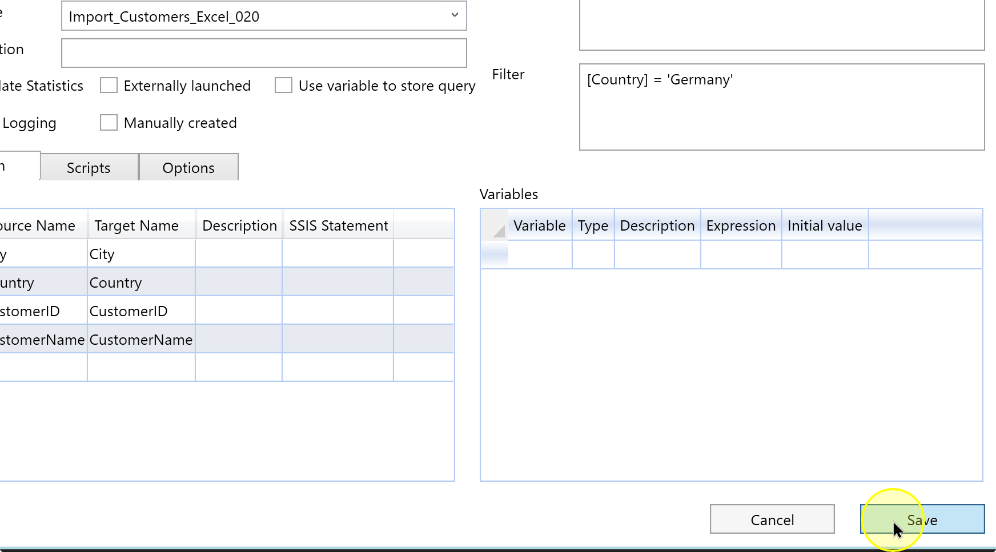
Expected Results
- Reopen the same import package item and compare its saved Filter, field mappings, variables, scripts, package flags and Options with the intended configuration.
- Review Original and Parsed script views as appropriate; the saved definition does not itself establish that its expressions or scripts produced the intended data during execution.
Decisions and variations
- Mappings, filters, variables and scripts affect the data written when the package runs. Validate expressions and statements before production execution.
Troubleshooting
- Saved value differs: confirm the import relationship and Package, then compare the reopened item with the values entered. Review any validation message reported by Save.
- Cannot edit a script: use Original; Parsed is read-only.
- Unexpected filter or script result in testing: compare actual Source columns/values with the expression and review Original/Parsed statements before another controlled run.
