
Introduction
Maintain the dependencies of a Script transformation. Review its input and output table references, choose the dependency-detection behavior, and confirm the package that runs the script. Then review package prerequisites in AnalyticsCreator or the external workflow that manages execution.
Applicability
Use this procedure when a script transformation requires explicit dependency handling or when automatic dependency detection must be disabled.
Prerequisites
- Create or open the script transformation.
- Identify every table, package, parameter, or object required by the script.
- Confirm the required execution order.
Steps
Open the script transformation
Open ETL.
The ETL ribbon provides access to transformations. 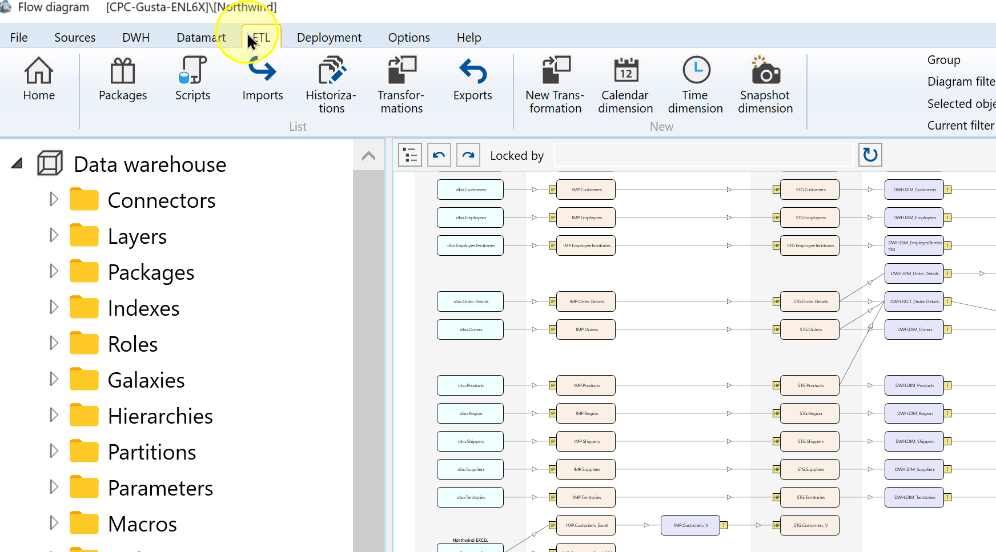
Choose Transformations.
The Transformations command on the ETL ribbon. 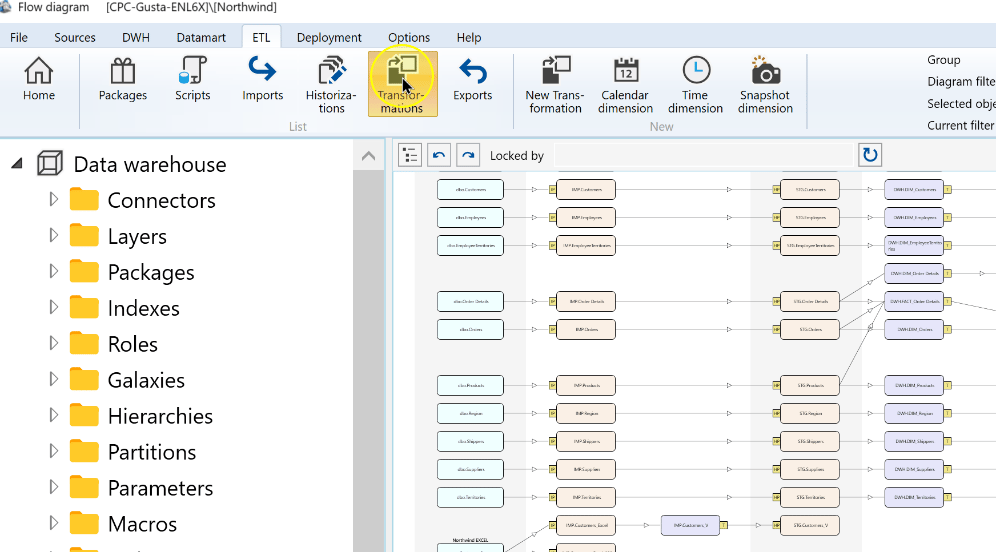
Open the required Script transformation, such as CheckImportRows, for editing.
The CheckImportRows script transformation selected in the list. 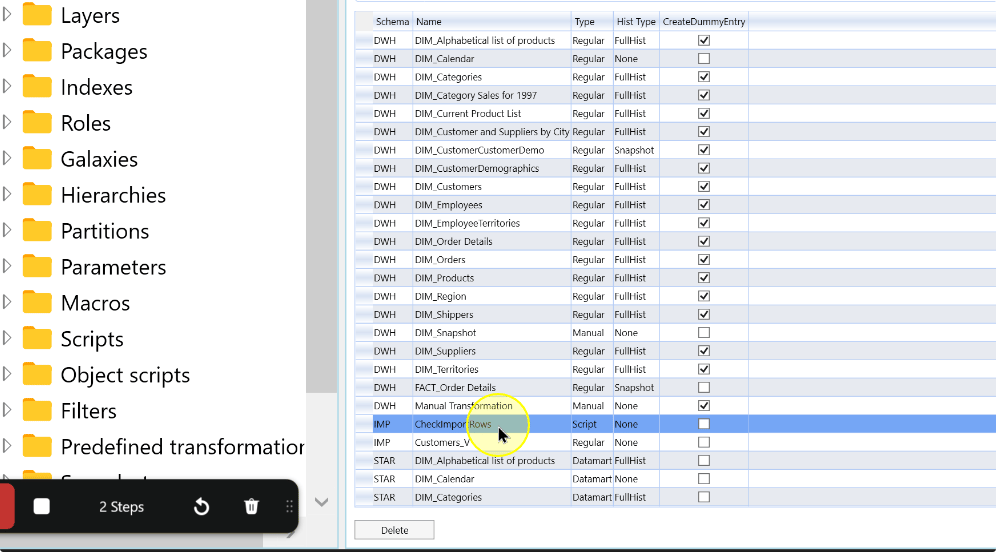
Select Definition and identify the tables referenced by the script statement.
The Definition tab of the script transformation editor. 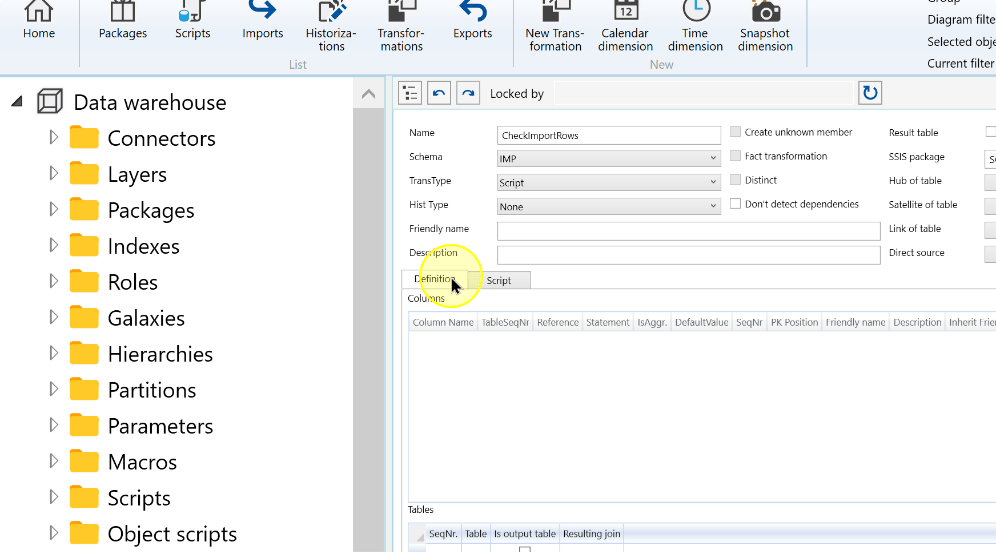
Review references and dependency handling
Select a row in the Tables grid for the required reference.
The Tables grid in the transformation definition. 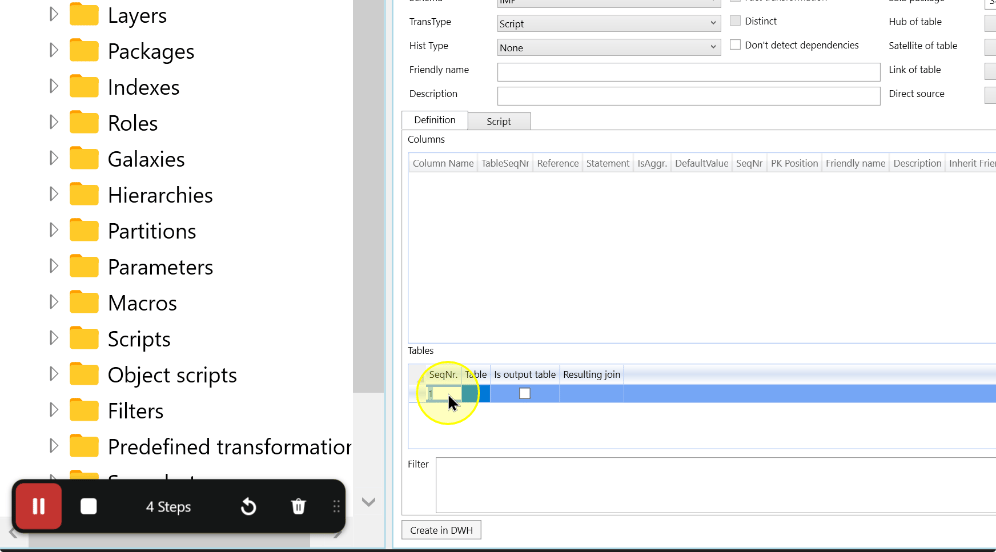
Use the table selector to choose each table used or modified by the script. Select Is output table for a table modified by the script; leave it cleared for an input-only table. Compare the table list with the script statement.
Reference Explanation Input-only table Leave Is output table cleared for a table the script reads without modifying. Output table Select Is output table for a table modified by the script. Available table references in the Tables grid selector. 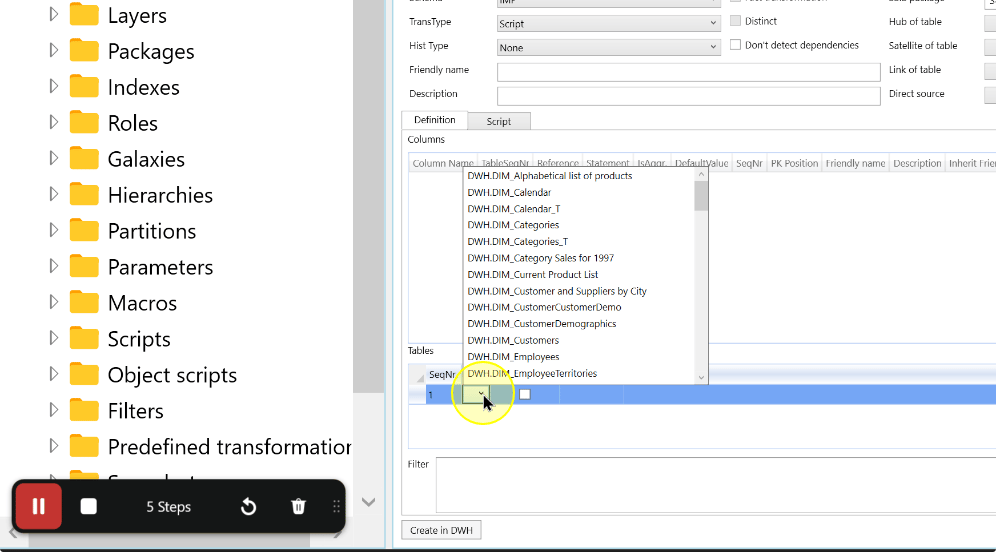
Choose one dependency-detection route:
- Leave Don't detect dependencies cleared when AnalyticsCreator should derive dependencies from supported references.
- Select Don't detect dependencies only when dependencies are managed externally or cannot be derived safely. Identify how prerequisite order will be maintained before execution.
Set SSIS package to the script package that should run this transformation.
Expected: The field displays the intended script package name. Package dependencies are reviewed after saving the transformation.
Review the selected table references, Is output table selections, SSIS package, and dependency-detection setting, then choose Save.
The transformation definition with its table reference and Save control. 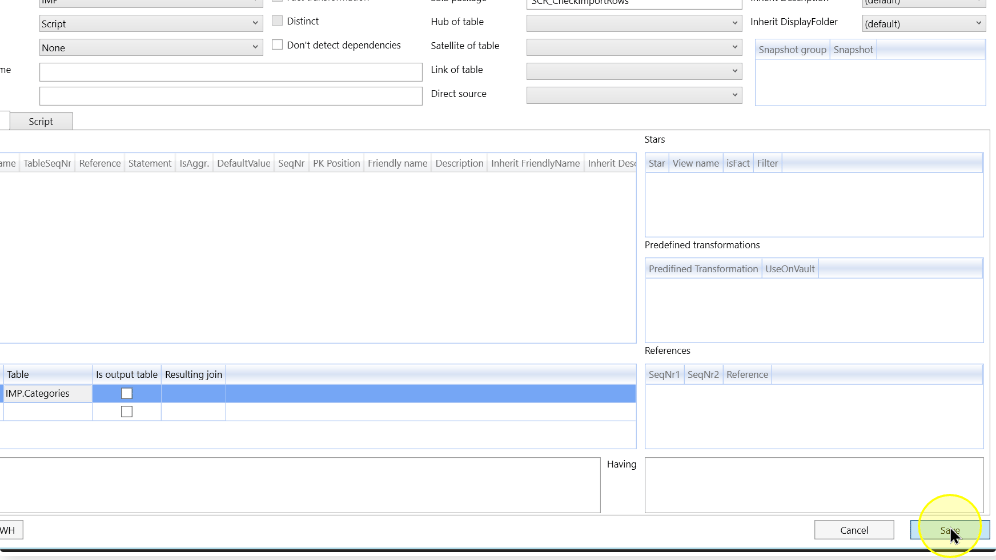
Review package prerequisites
If AnalyticsCreator manages the package dependencies, open ETL → Packages and double-click the package named in SSIS package. Continue with the manual-dependency steps below only for this route. If an external workflow manages dependencies, review the prerequisite order in that workflow before execution instead.
In Manual dependencies, inspect each required upstream package. The current package depends on the listed package, not the reverse. Select Add for a prerequisite that must be added manually.
Column Explanation Package A listed package that can be a prerequisite of the package currently being edited. Depends on Indicates that the current package depends on the listed package. Add Adds the listed package as a manual prerequisite. Remove Disables an existing dependency when that removal is intended. Choose Save, reopen the same package and confirm its intended prerequisite relationships.
Expected Results
- Reopen the Script transformation and compare Tables references, Is output table flags, SSIS package and dependency detection with the script’s requirements.
- For AnalyticsCreator-managed dependencies, reopen the package and confirm its intended prerequisite relationships. For external management, check the prerequisite order in that workflow.
Decisions and variations
- Disabling dependency detection does not remove the script's real prerequisites.
- Document externally managed dependencies and execution order.
Troubleshooting
- Missing prerequisite: compare the script with Tables and Is output table, then check SSIS package and its dependencies.
- Detection disabled: identify the manual or external workflow maintaining prerequisite order; Don't detect dependencies does not remove those prerequisites.
