
Introduction
Maintain the package dependencies of an External transformation. Confirm its assigned package, then edit that package’s manual prerequisites. A dependency expresses which upstream package must precede the current package.
Applicability
Use this procedure when an external transformation must participate in an AnalyticsCreator package with explicit prerequisites.
Prerequisites
- Create or identify the external transformation.
- Identify its executable operation, package, required inputs, and upstream objects.
- Confirm the required execution order.
Steps
Review the external transformation
Open ETL.
The ETL ribbon provides access to transformations. 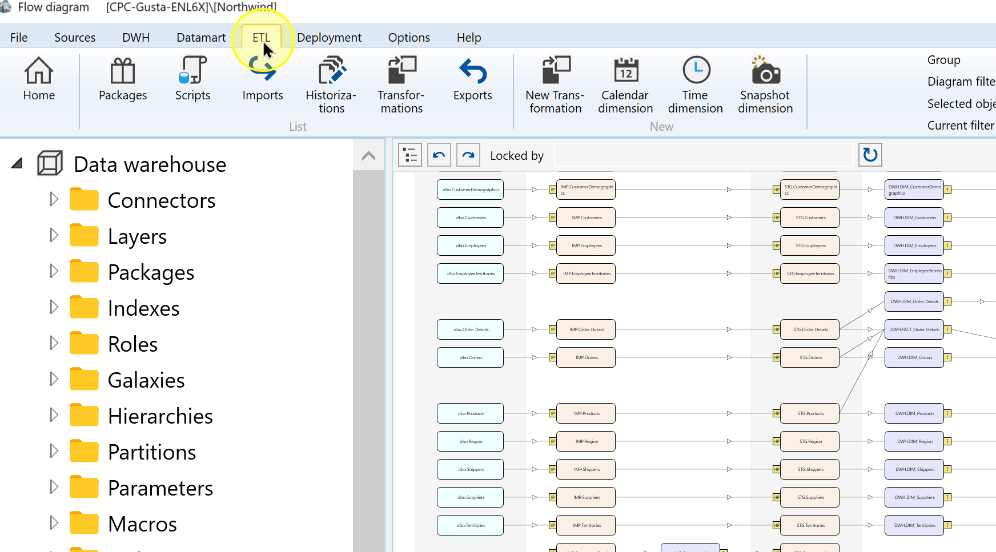
Choose Transformations.
The Transformations command on the ETL ribbon. 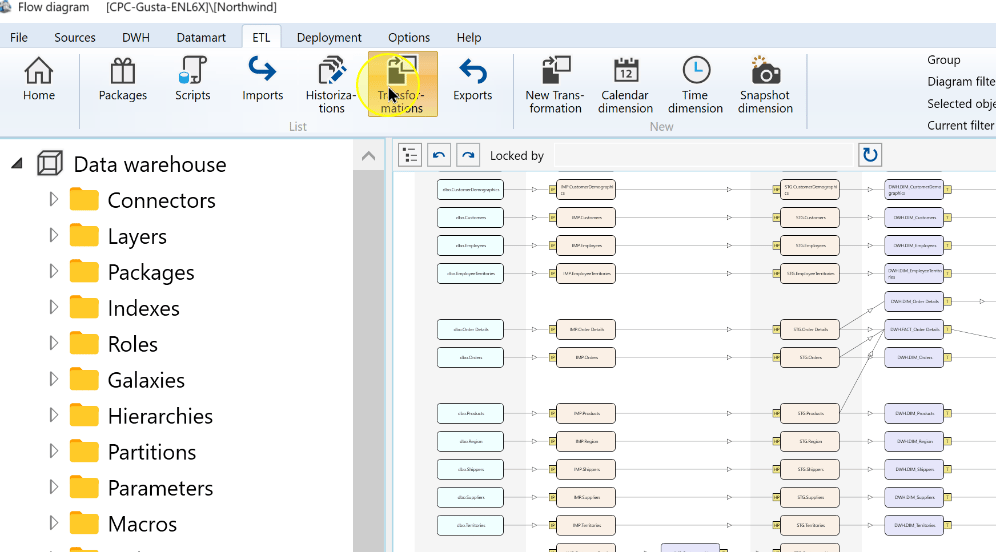
Open the required External transformation, such as ExternalCategoriesCheck.
The ExternalCategoriesCheck external transformation selected in the list. 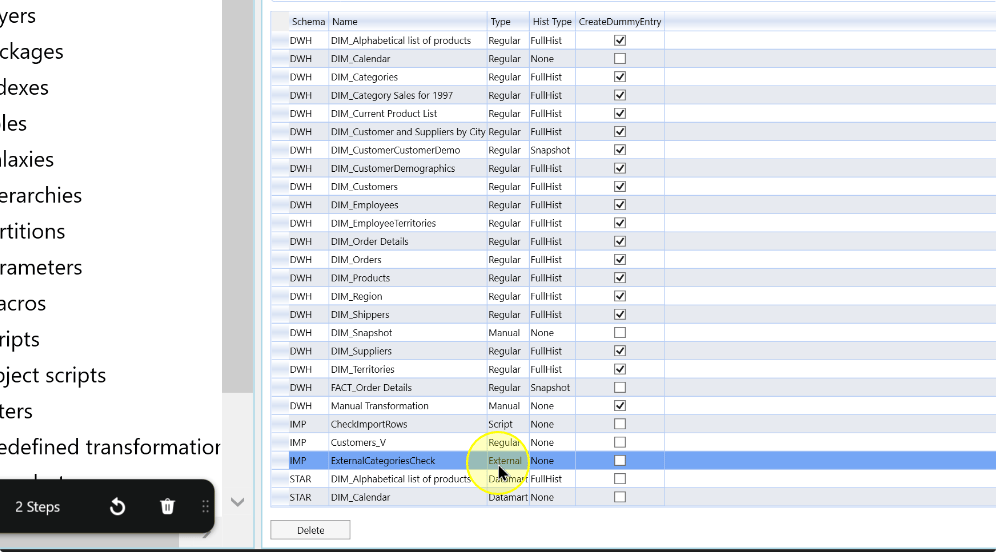
Review the transformation’s table references and other required inputs. Confirm the package name in SSIS package; the example uses EXT_CategoriesCheck. Choose Save to store any intended changes.
The external transformation definition showing its table reference and Save control. 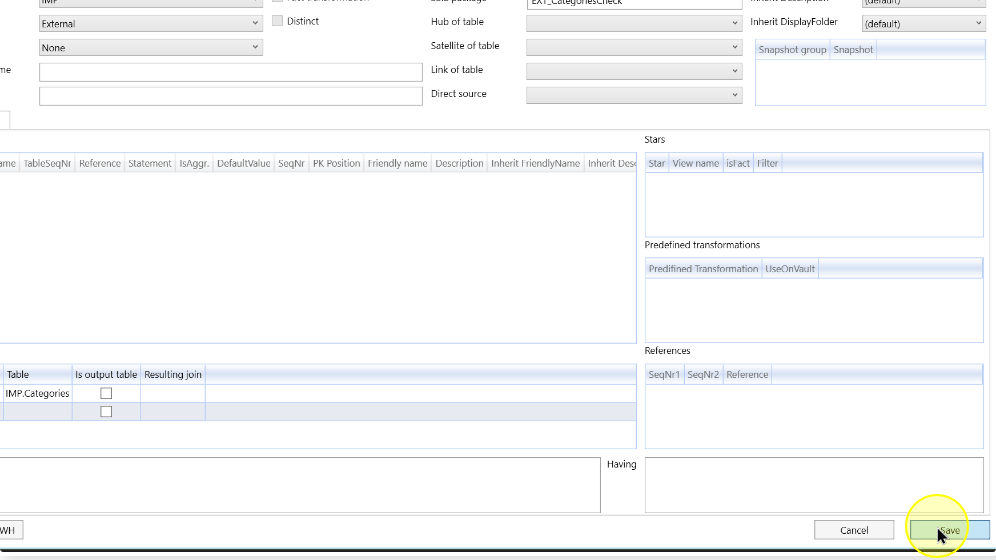
Review package dependencies
Return to the ETL ribbon.
The ETL ribbon above the external transformation editor. 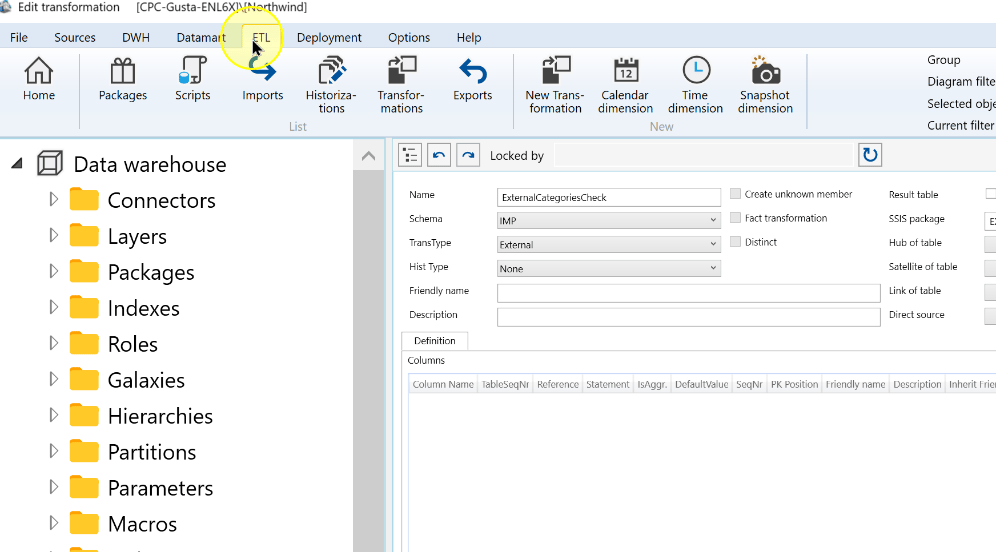
Choose Packages.
The Packages command on the ETL ribbon. 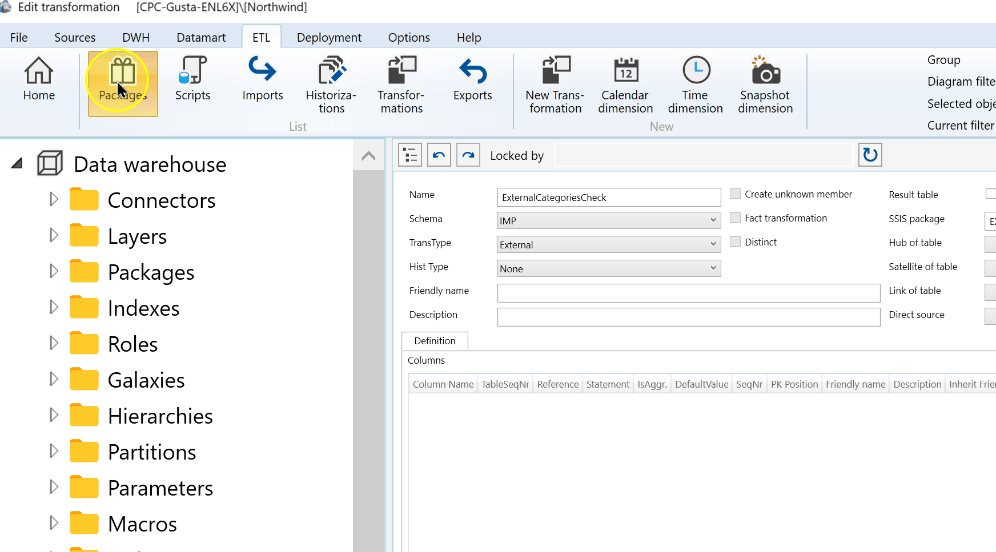
Locate the package named in the transformation’s SSIS package field, then double-click its row to open the package settings. The example uses EXT_CategoriesCheck.
The external transformation package selected in the Packages list. 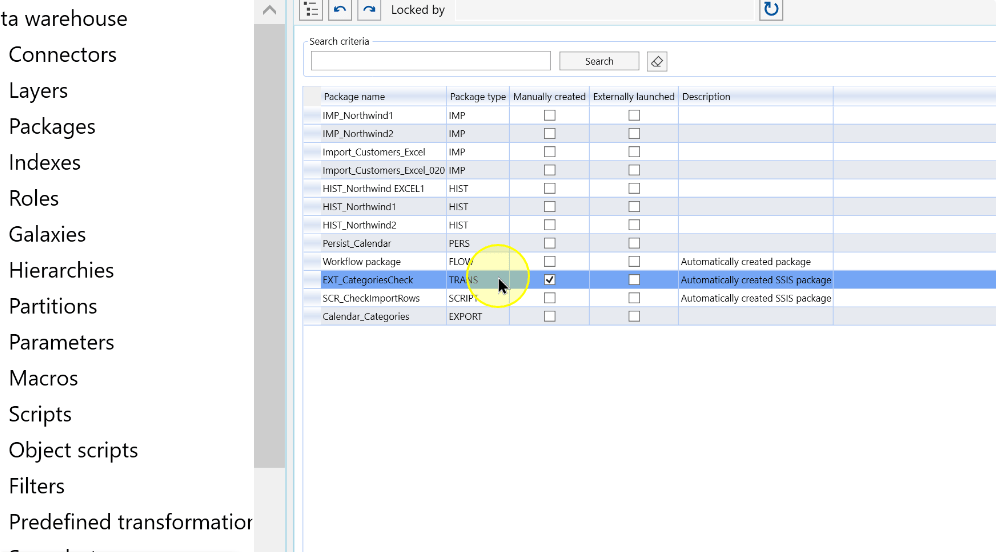
The selected package ready to open for dependency editing. 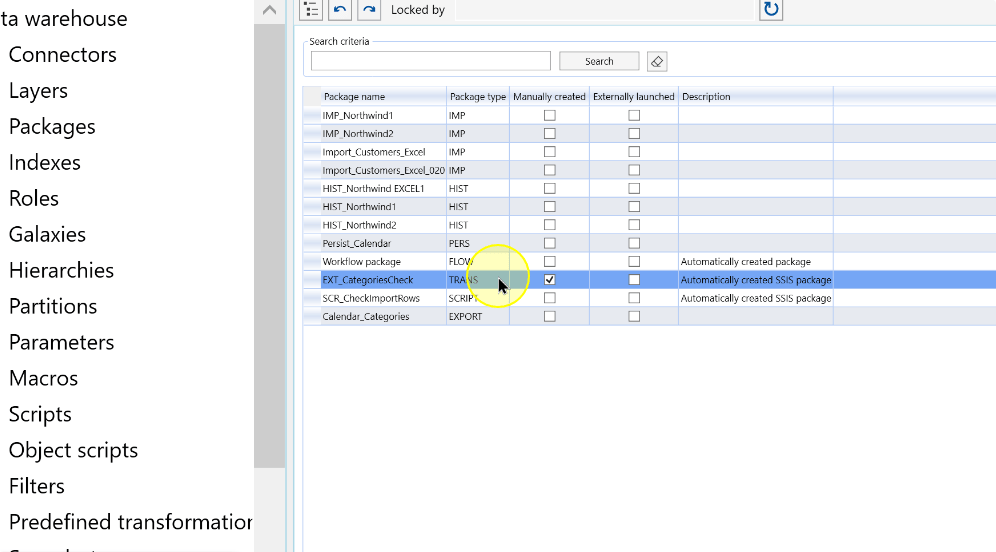
In Manual dependencies, locate the upstream package that must precede the package being edited. Review its Depends on state before changing the relationship.
Column Explanation Package A listed package that can be a prerequisite of the package currently being edited. Depends on Indicates that the current package depends on the listed package. Add Adds the listed package as a manual prerequisite. Remove Disables an existing dependency when that removal is intended. Select Add to add the intended upstream prerequisite. Use Remove only when an existing dependency should be disabled. For EXT_CategoriesCheck, change the upstream package’s row while editing EXT_CategoriesCheck.
The Manual dependencies grid in the package editor. 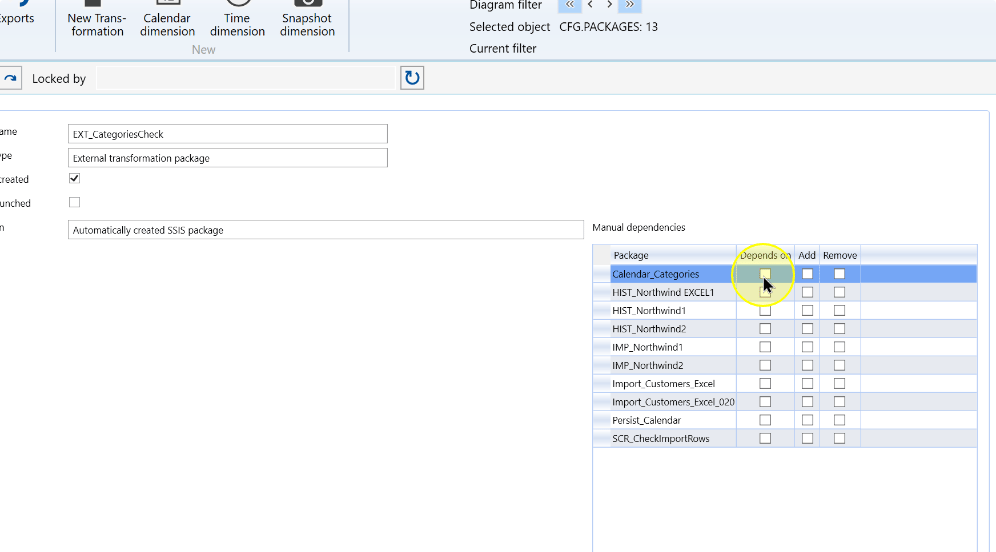
Review the configured dependency relationship against the intended prerequisite order before saving.
Check that each required prerequisite is represented and no unrelated relationship was added or removed.
Choose Save, then reopen the same package and confirm that the intended dependency choices are retained. The upstream package must precede the current package when that relationship is executed. Verify actual execution order through the separately established package-execution workflow.
The package dependency settings and Save control. 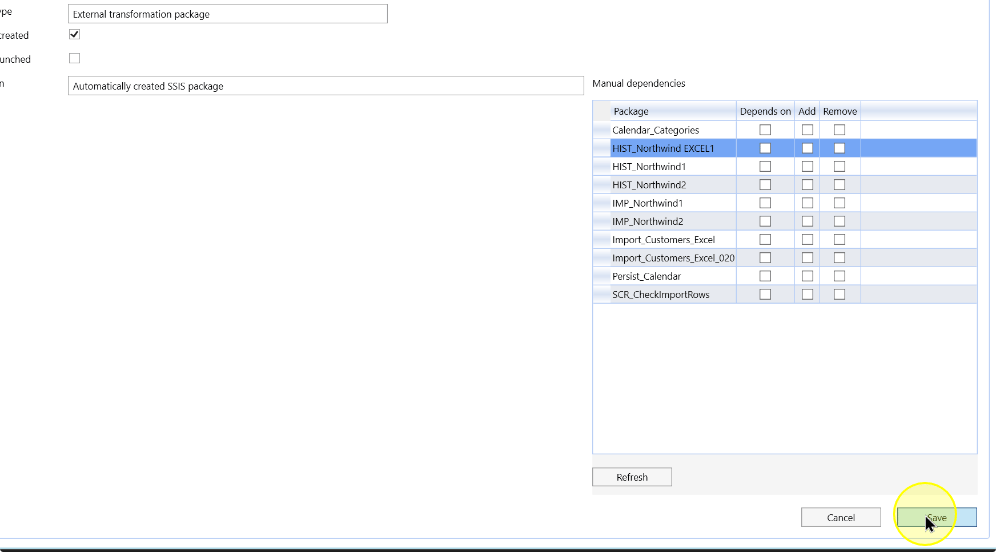
Expected Results
- Reopen the External transformation and confirm its intended SSIS package assignment.
- Open that same package and inspect the saved Manual dependencies choices. They should express the intended upstream order without unrelated changes.
- Successful configuration does not validate the external operation or prove its package has executed.
Decisions and variations
- Keep credentials and environment-specific secrets outside transformation documentation.
Troubleshooting
- Wrong package: compare the transformation’s SSIS package with the package being edited. A listed dependency row is upstream of the current package.
- Wrong saved relationship: reopen Manual dependencies and inspect Depends on, Add and Remove for the intended row before changing unrelated relationships.
