
Introduction
Set a layer's SeqNr to place it in the intended generation or execution order. Review the sequence of all affected layers, then save and confirm the value.
Applicability
Use the Layers list on the DWH ribbon to edit the sequence of existing layers.
Prerequisites
- An open Data Warehouse (DWH) project with the layers to be ordered.
- The intended sequence for those layers, with a unique number for each and dependencies taken into account.
Steps
Edit a layer sequence number
Open DWH in the intended project.
The DWH ribbon provides access to Layers. 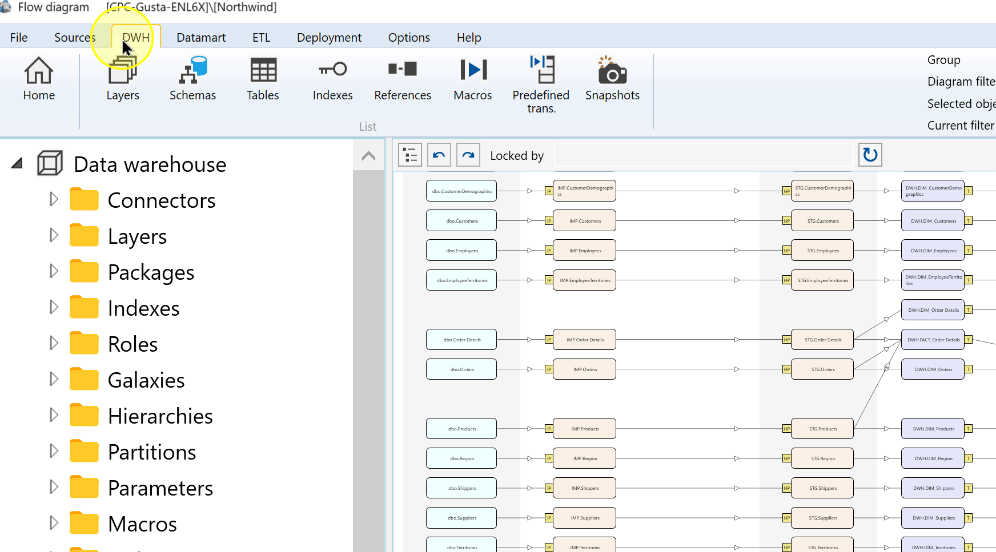
Click Layers to display the layer list.
The Layers command on the DWH ribbon. 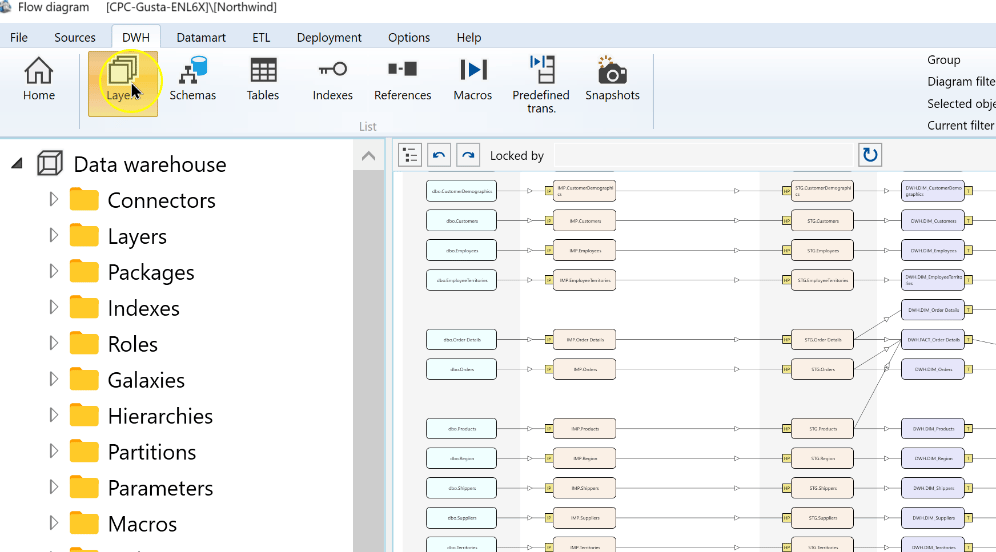
Locate the layer and enter the required number in its SeqNr cell. Compare the other layer numbers to ensure the value is unique and the order matches dependencies. The example shows Staging layer first, followed by Persisted staging layer, Transformation layer, Core layer and Datamart layer.
The SeqNr cell selected in the Layers list. 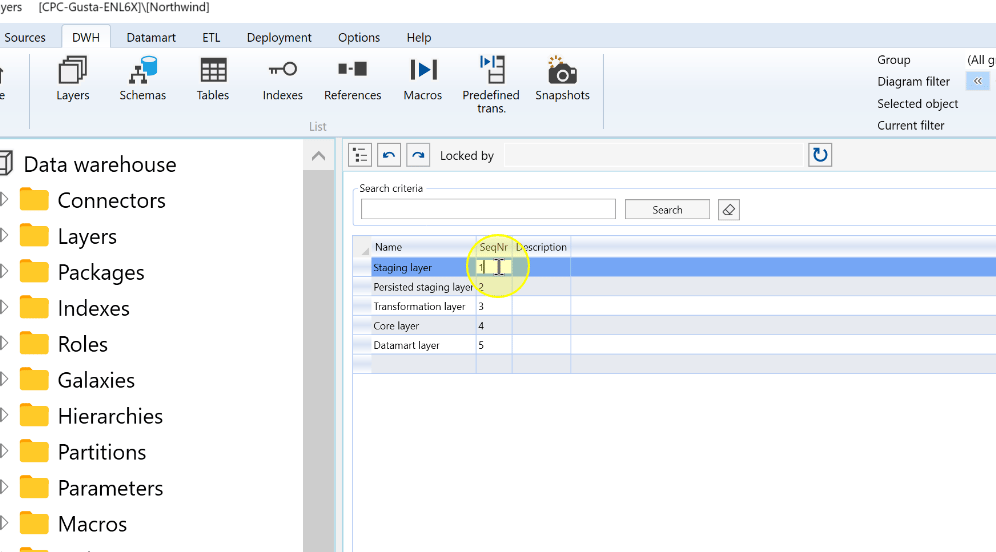
Click Save, then check that the layer retains the intended sequence number.
The layer sequence numbers and Save control. 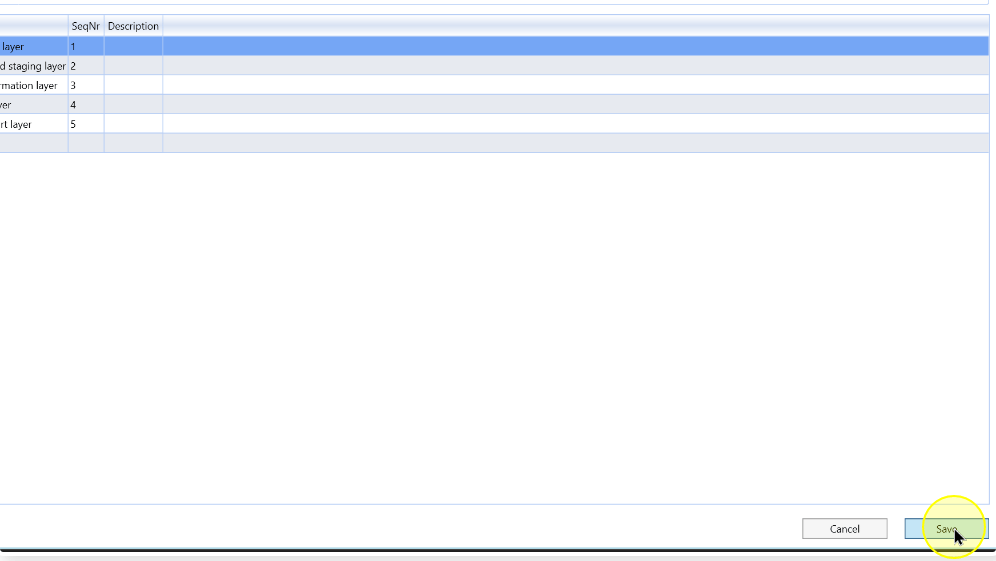
Expected Results
Return to DWH > Layers and compare the saved SeqNr values with the intended order. The edited layer retains its new number and the sequence remains unique across the affected layers.
Decisions and variations
Changing a layer's order can affect downstream generation and execution. Check its dependencies before deciding the sequence; changing the stored numbers does not by itself verify a later run.
Troubleshooting
- The value is not retained: check the intended layer's SeqNr, save the edit and return to the list to compare it again.
- The order is inconsistent: compare every affected layer's number and dependencies. Correct duplicate or misplaced values before relying on the new sequence.
