Back to all Blogs


Standard ETL tools, short for Extract, Transform, and Load, are essential components of a data warehouse. They automate the extraction of data from multiple sources, transform it into a consistent structure, and load it into the data warehouse for analytics and reporting. By using standard ETL tools, businesses can streamline data integration processes, save time, and ensure data quality and consistency.
AnalyticsCreator is more than just an ETL tool. It provides a complete data analytics automation platform that transforms the way organizations design, build, and maintain their data infrastructure.
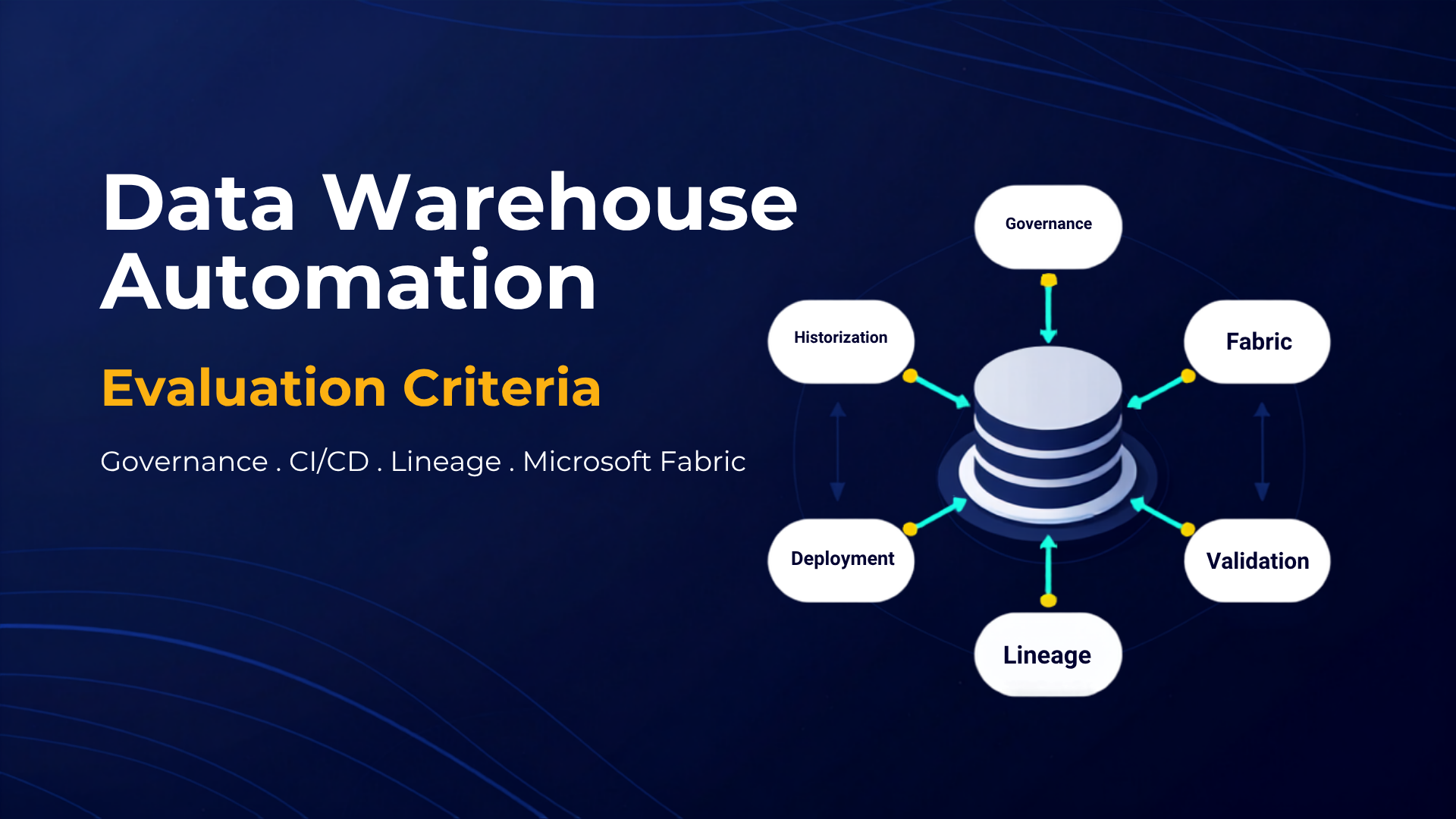
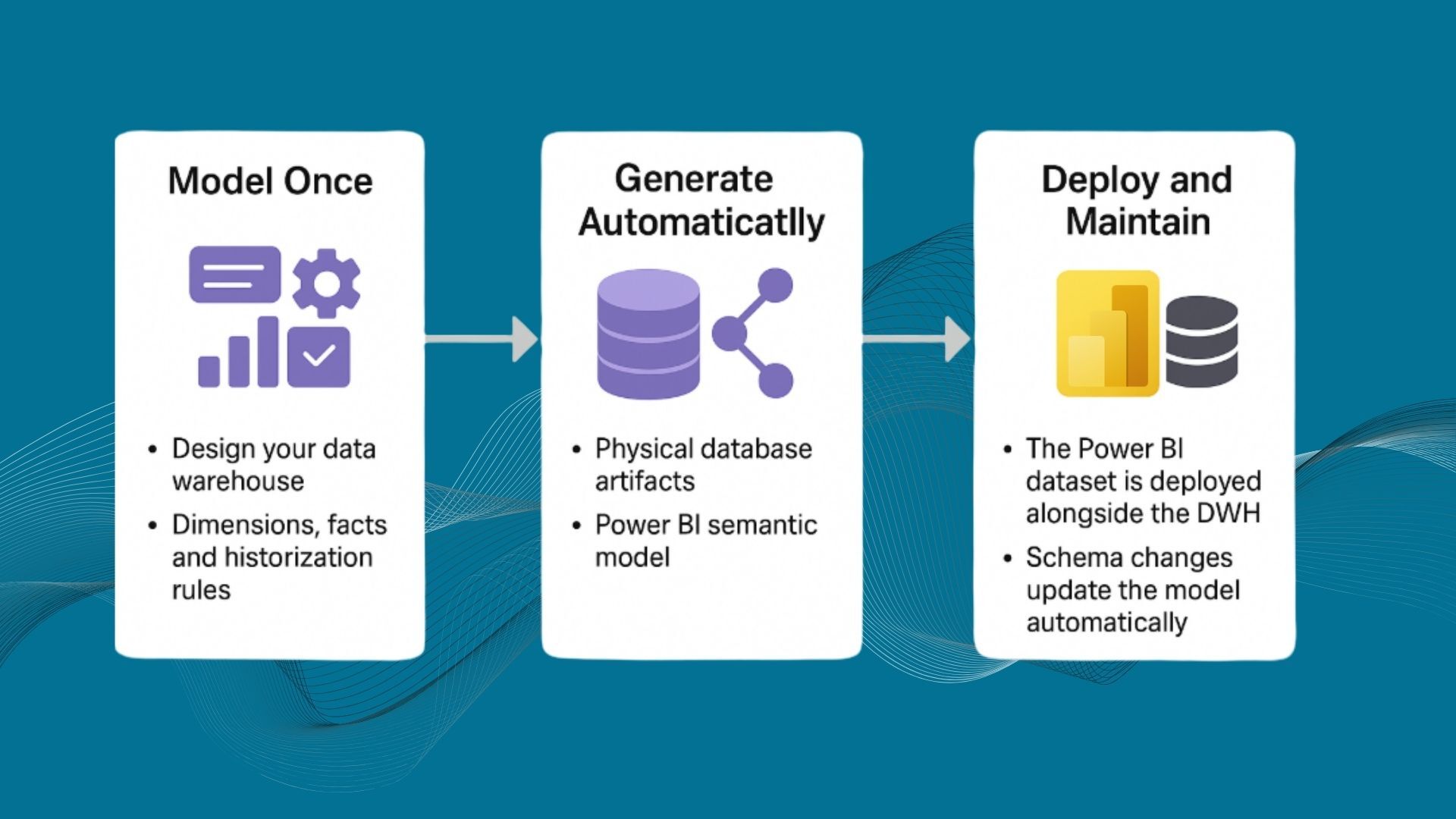
- Automate the entire BI stack—from source systems to the data warehouse and frontend dashboards. AnalyticsCreator accelerates delivery, enhances data quality, and supports multiple modeling approaches including Dimensional Modeling, Data Vault, and Inmon.
- One of AnalyticsCreator’s standout capabilities is its ability to track historical changes. With historization techniques such as Slowly Changing Dimensions (SCDs), snapshot historization, and gapless historization, organizations gain deeper insights into how data evolves over time.
- AnalyticsCreator enables organizations to customize data transformations using transformation wizards, SQL scripts, stored procedures, manual SSIS packages, and more. This ensures that each transformation meets unique business and technical requirements.
- Transformation results can be persisted to multiple destinations such as Azure SQL Server, Azure Data Factory pipelines, and MS SQL Server Integration Services (SSIS). This flexibility allows organizations to easily connect data to the frontend tools of their choice for reporting and analytics.
- AnalyticsCreator includes a rich set of advanced features such as GDPR/DSGVO design patterns, source metadata exploitation, role-based security, data partitioning, and multi-environment support, offering a robust and secure foundation for enterprise analytics.

In conclusion, AnalyticsCreator is far more than an ETL tool. It is a complete Data Warehouse and Data Lake automation platform that improves data quality, enhances consistency, automates complex workflows, and gives organizations full control over their data environment. With its comprehensive feature set and unmatched flexibility, AnalyticsCreator is an ideal choice for businesses seeking a scalable and efficient BI automation solution.