Back to all Blogs


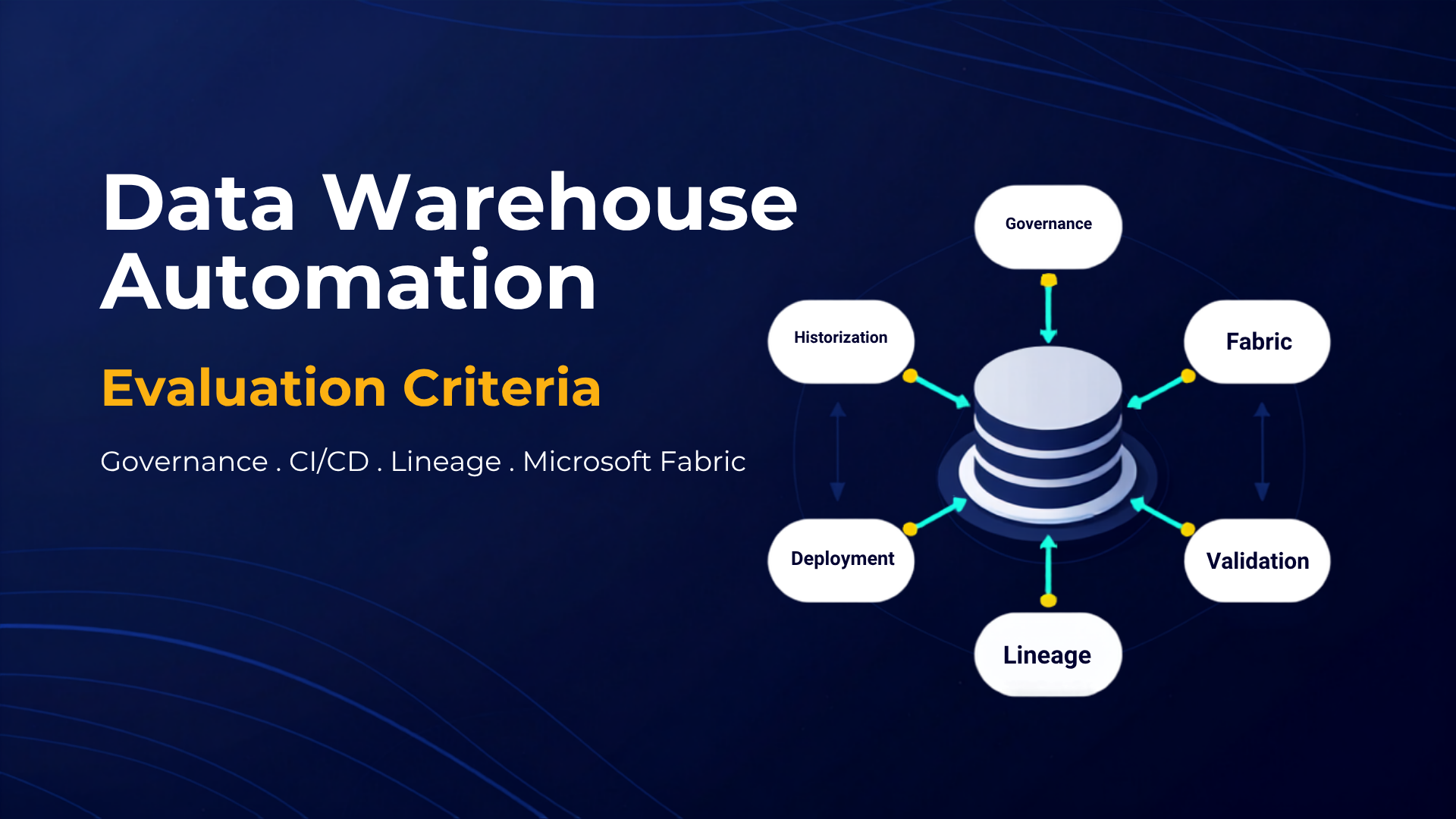
Data warehouse automation (DWA) is a process that uses technology to perform data warehousing tasks with minimal human intervention. It involves automating the various stages of the data warehousing process, from data integration and data modelling to data storage and retrieval. This automation significantly reduces the time and effort required to manage data, resulting in more efficient and effective data management.
Azure offers several services that can be used to implement data warehouse automation, including:
- Azure Synapse Analytics: A cloud-based analytics service that combines powerful data warehousing and big data analytics. Azure Synapse can automate data integration, transformation, loading, and analysis.
- Azure Data Factory: A cloud-based data integration service for creating and managing ETL/ELT pipelines. Azure Data Factory automates data movement across cloud sources, on-premises systems, and SaaS applications.
- Azure Data Lake Storage: A scalable, secure cloud storage service for big data. ADLS stores raw, processed, and archived data cost-effectively.
How AnalyticsCreator Helps Automate Data Warehousing in Azure
AnalyticsCreator is a data warehouse automation tool that accelerates the design, development, and deployment of Azure-based data warehouse solutions. Key features include:
- Visual data modelling: Build data models quickly using an intuitive drag-and-drop interface.
- Code generation: Automatically generates code for the data model, data pipeline, and reporting layer — dramatically reducing manual development time.
- Wizards: Guided automation for Kimball modeling, Data Vault 2.0 modeling, virtual DWH, historization, delta loading, validation patterns and more.
- One-click deployment: Deploys full data warehouse solutions to Azure instantly.

How to Implement Data Warehouse Automation in Azure
Follow these steps to implement DWA successfully:
- Assess your current data management process: Identify inefficiencies and automation opportunities.
- Design your data warehouse solution: Define the data model, data pipeline, and reporting layer.
- Implement using AnalyticsCreator: AnalyticsCreator generates the entire code base for the data model, ETL/ELT processes, and analytics layer.
- Deploy to Azure: Use AnalyticsCreator’s one-click deployment to roll out your DWH to Azure services.
Benefits of Automating Your Data Warehouse in Azure
- Increased efficiency: Automation removes repetitive tasks and accelerates development.
- Improved data quality: Predefined design patterns ensure consistent, reliable modeling.
- Enhanced decision-making: Advanced historization (SCDs, snapshots) provides deeper analytics for tools like Power BI, Qlik, Tableau, and Looker.
- Reduced costs: Lower manual coding, fewer errors, reusable templates, and automated testing significantly reduce long-term maintenance costs.
Key Takeaways
Data warehouse automation is a powerful way to streamline and scale your data management processes. Azure provides robust cloud services such as Synapse, Data Factory, and Data Lake Storage to support automation. AnalyticsCreator enhances this ecosystem by automating design, development, deployment, historization, and governance — enabling businesses to build accurate, scalable, and future-ready data warehouses rapidly.