Back to all Blogs


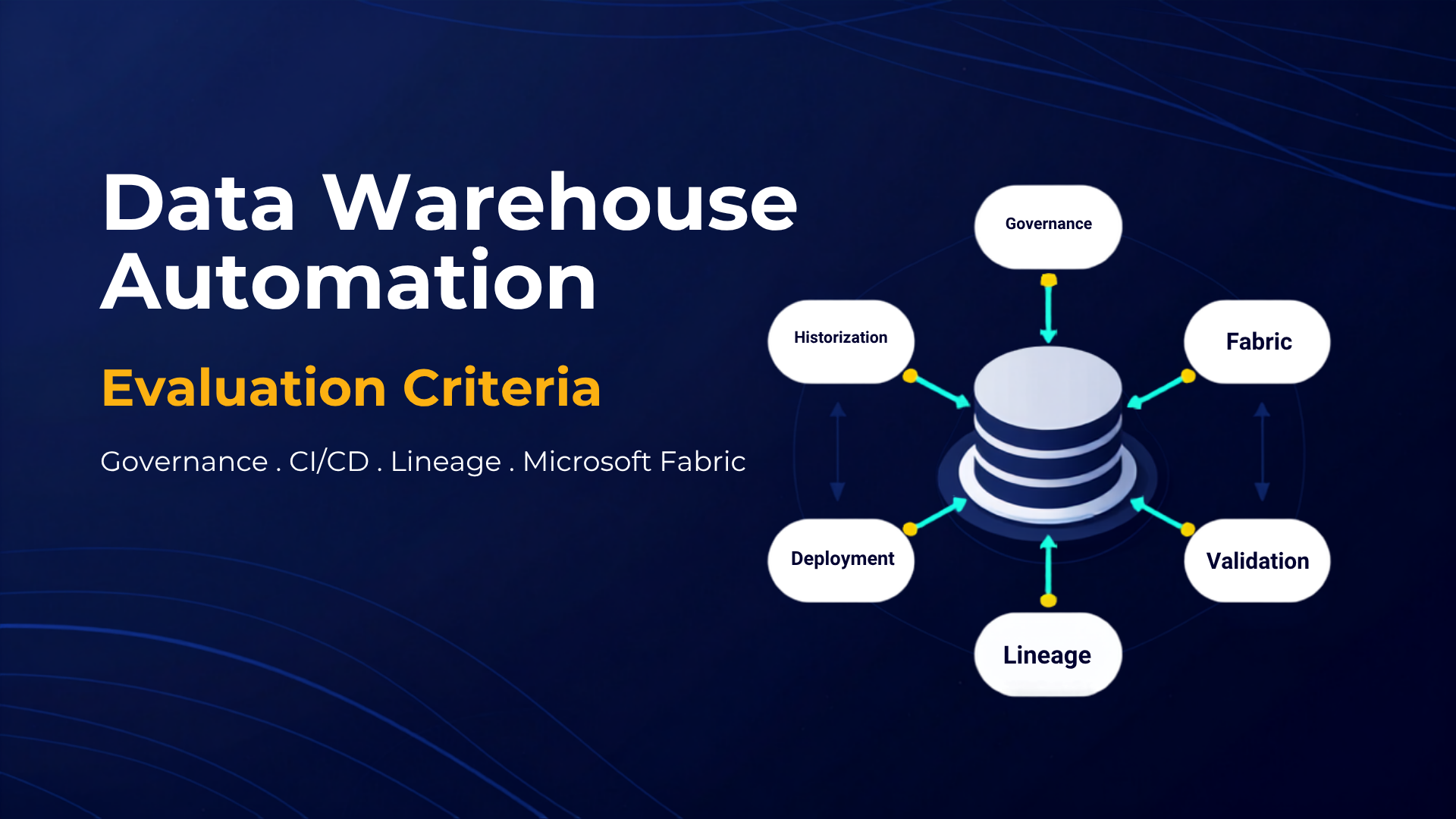
Microsoft Power BI is a market-leading analytics platform with deep integration into Microsoft 365 and Azure. However, many organizations still struggle with governance, headless architecture and deployment flexibility. AnalyticsCreator closes these gaps with automated data warehouse creation, robust governance, headless architecture and multi-option deployment, enabling you to get more value from your Microsoft BI investments.
Microsoft stands as a leader in the Gartner Magic Quadrant for Analytics and Business Intelligence Platforms. Power BI continues to grow due to strong integration with Microsoft 365, Azure and Teams, flexible pricing, rich functionality and an ambitious product roadmap.
In 2022, Microsoft introduced new capabilities including metric tracking for team alignment, Power BI Premium Gen 2 for improved scalability and autoscaling, and low-code data marts for managed self-service analytics.
Despite its strengths, organizations may face challenges such as governance gaps, limited headless architecture and Azure-only deployment. AnalyticsCreator helps teams overcome these limitations while maximizing their Microsoft BI and Azure investments.
How AnalyticsCreator Addresses Microsoft BI Limitations
AnalyticsCreator, a powerful on-premises data warehouse automation platform, enhances Microsoft’s BI ecosystem in several essential ways:
- Automated data warehouse creation and maintenance: Helps teams build and maintain data warehouses rapidly and consistently.

- Enhanced data quality and consistency: Automates cleansing, transformation and standardization to increase accuracy and trust in analytics.
- Improved governance: Delivers role-based access control, metadata management and full data lineage for transparency and compliance.
- Headless architecture: Keeps the semantic model independent of front-end tools, enabling reuse across Power BI, Tableau, Qlik and others.
- Multi-option deployment: Supports SSIS, Azure SQL DB, Azure Analysis Services, Synapse, ARM templates for Azure Data Factory, OLAP, Tabular models, Power BI, Tableau, Qlik and more for total flexibility.
- Self-service data preparation and modelling: Empowers non-technical users to prepare and shape data, accelerating analysis and reducing IT workload.

- Powerful data visualization engine: Converts complex datasets into accessible visual insights for faster, more intuitive decision-making.
- Comprehensive library of prebuilt connectors: Connects to databases, cloud apps and external systems, removing silos and unifying data access.
- Support for a wide variety of data sources: Handles structured, semi-structured and unstructured data, enabling a complete data landscape view.
AnalyticsCreator enhances Microsoft’s BI ecosystem by automating workloads, strengthening governance, enabling headless architecture and offering deployment options beyond Azure. This helps organizations deliver analytics faster, more consistently and with better long-term adaptability.
By combining the strengths of Microsoft Power BI with the automation and governance capabilities of AnalyticsCreator, organizations can maximize their BI investment and accelerate their data-driven transformation.